Setting up camera
Setting up camera
Important Notes:
- If you cannot find the WIFI Cam's WIFI hotspot from
your phone's WIFI list, please restart the WIFI Cam
as shown on the previous page.
- This WIFI Cam is designed ONLY for Android or IOS
mobile/smart phone platforms.
- It is NOT recommended to set up this WIFI Cam on
a laptop.
Step1(Downloading the APP)
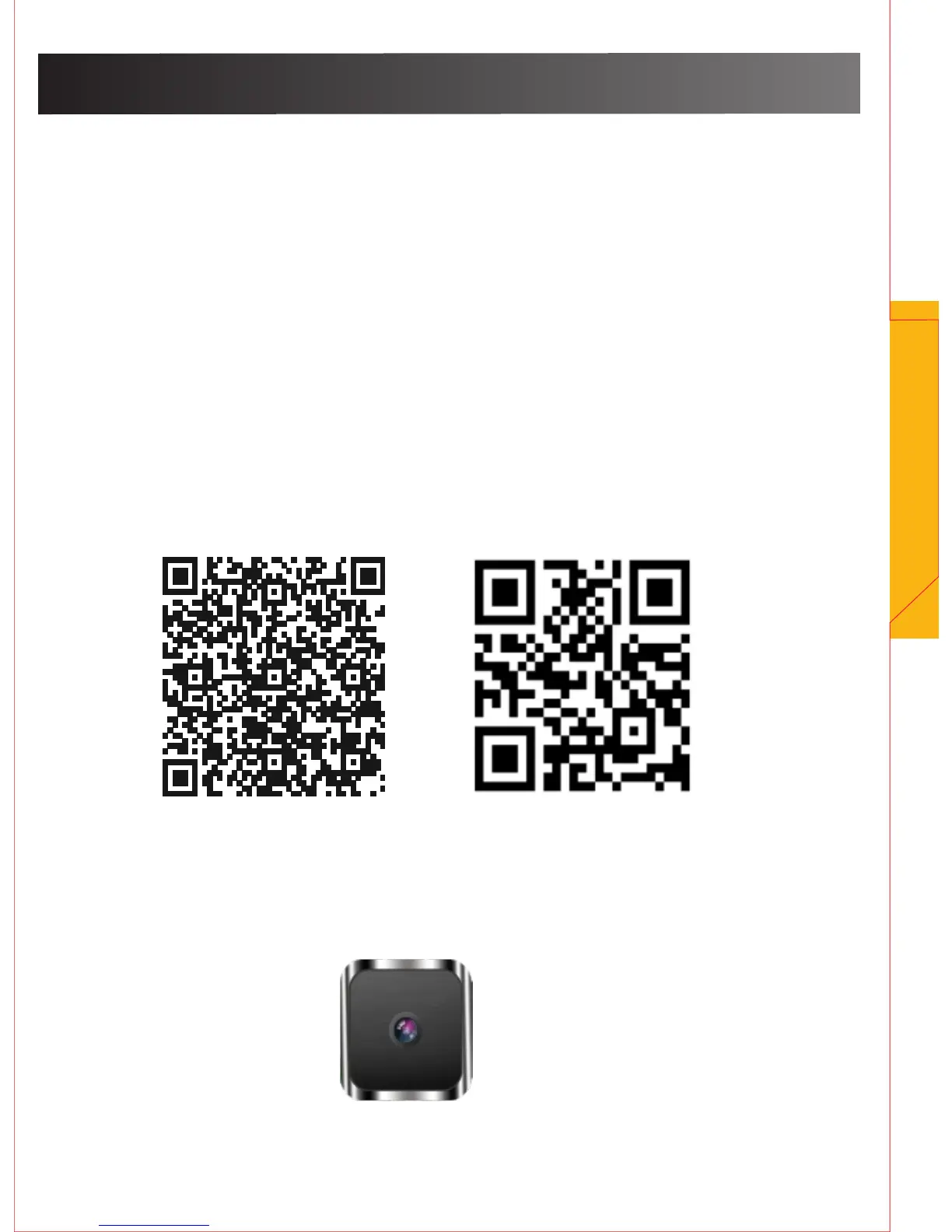
Go to Android Play Store or Apple App Store, or scan
these icons using your mobile/smart phone.
Once located, download the APP “Mini WIFI Cam”
onto your mobile/smart phone device.
7
Android IOS
Mini WiFi Cam


 To Next Page