DEEP LEARNING PLUS QUICK START GUIDE20
Create a Schedule Profile
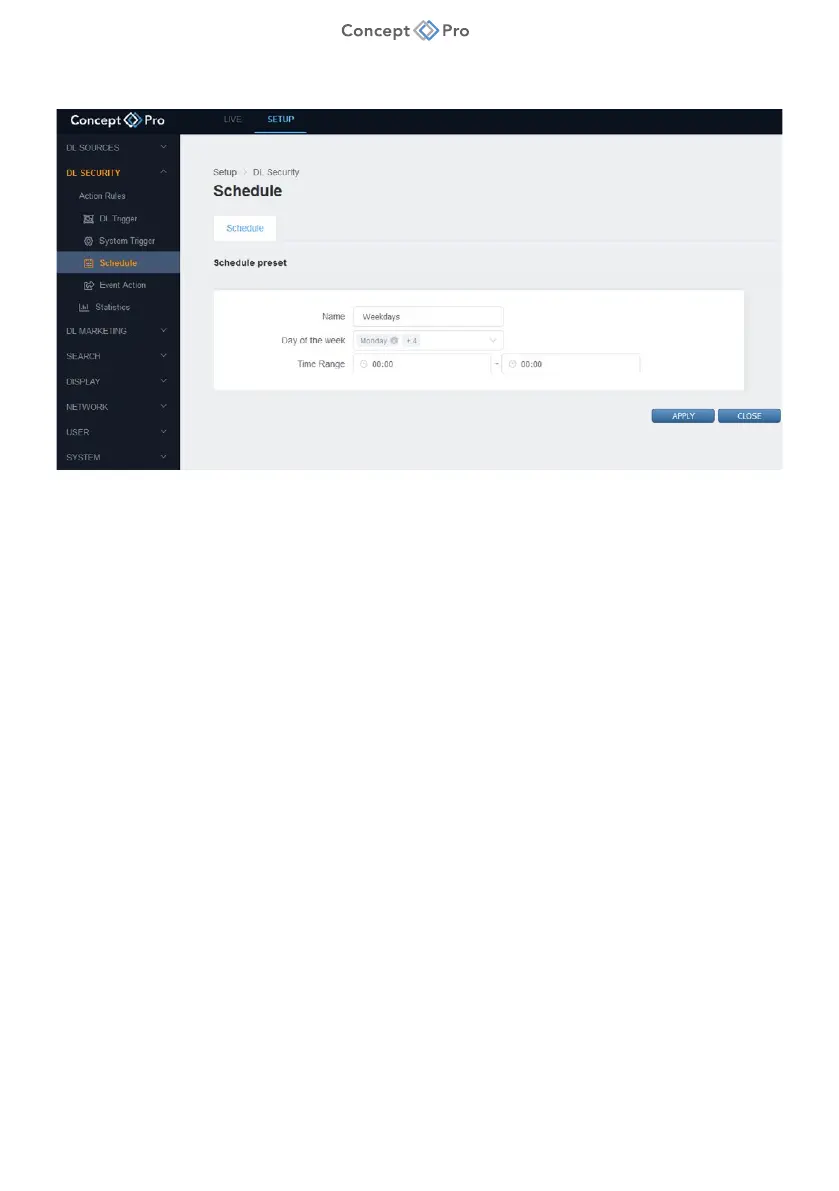
1. From DL PLUS web interface, select <SETUP> tab, then <DL SECURITY> - <SCHEDULE>
menu.
2. Click <ADD> and configure the following fields to create a Schedule Preset:
a. Name: Enter a custom name for the Schedule Preset.
b. Days of the Week: Select the days that should apply the Schedule Preset.
c. Time Range: Enter a time range for the Schedule Preset. If the times match, then the
schedule will be active for 24 hours for the selected days.
3. When finished, select <APPLY> to save.



 To Next Page