NETWORK VIDEO RECORDER QUICK START GUIDE
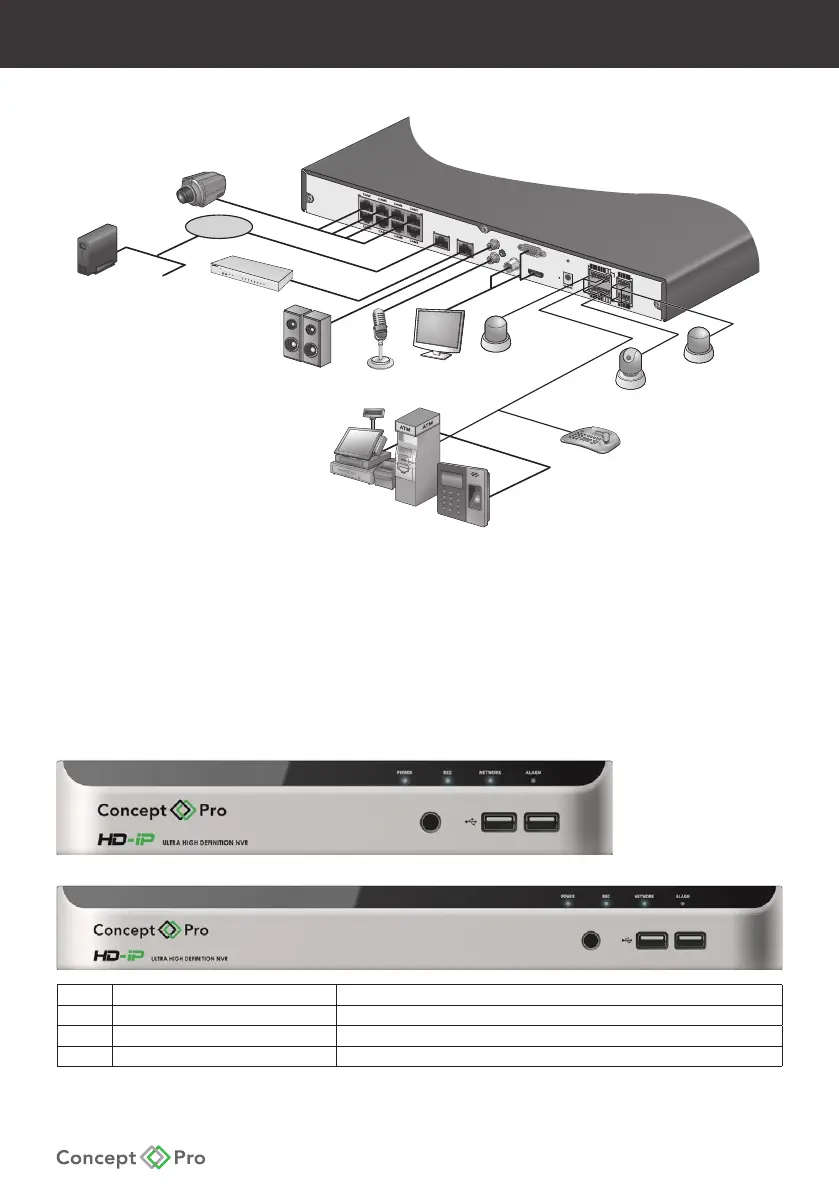
POS
ATM
Access
WAN
(UPLINK)
LAN
(DOWNLINK)
AUDIO OUT
AUDIO IN
VGA
HD MONITOR
DC 48V
SPOT OUT
ALARM IN
IN9
IN11
GND
IN13
IN15
IN10
IN12
GND
IN14
IN16
ALARM IN
RELAY RS485
NC
COM
NO
IN8
IN6
GND
IN4
IN2
D-
D+
IN7
GND
IN5
GND
IN3
IN1
UPK
INK
D
OWNLINK
Control
Device
Sensor
Alarm
Speaker
MIC
Monitor
IP Camera
Internet
twork
ttached
Storage
CMS,
Web viewer
Mobile viewer
IP Camera
Extender Hub
Alarm
If the IP camera supports alarm input/out, the signal may be supported over the Ethernet cable.
Refer to the IP camera user manual for more details.
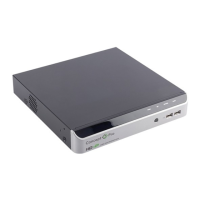
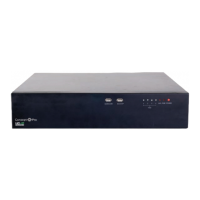
Front Panel
No Name Description
1 IR REMOTE CONTROL RECEIVER Receives the control signal from included remote control.
2 USB For connecting USB devices such as a mouse or memory drive.
3 STATUS LED Displays the status of Power, Recording, Network, and Alarm.


 To Next Page