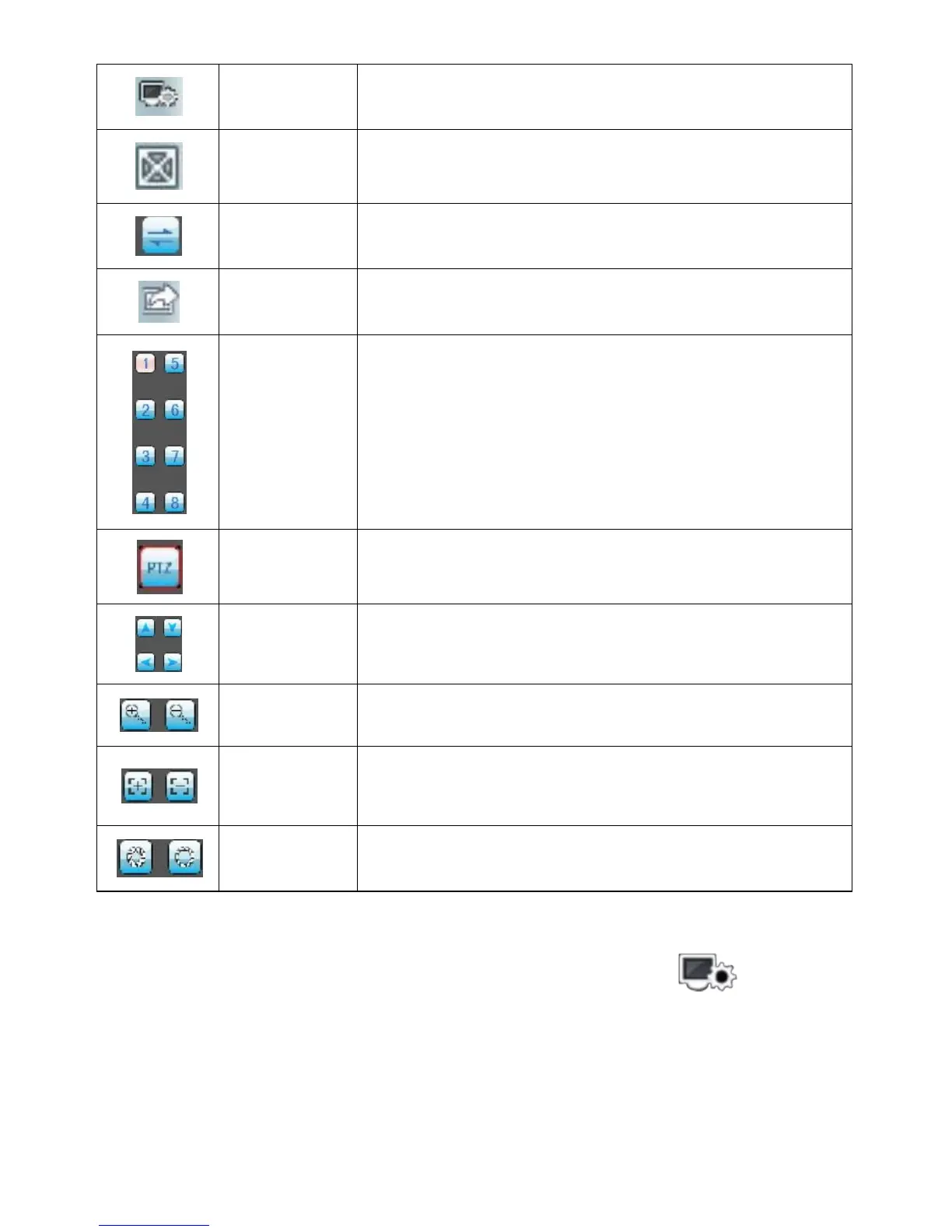
Set some information of the device, such as IP address, dynamic domain name,
port, username, password and device alias information.
For this channel full screen.
Pervious to the former channel, next to the latter channel
Choose one video channel of the device. And cooperate with "next group" can
switch the 8 or 16 channels.
PTZ direction control including up, down, left and right.
Zoom in/out control of PTZ.
Focal length adjustment of PTZ.
3)If it is first running or need to change the parameters, please click the <settings> button and enter the
<Device List> page, as shown in the following figure:



 To Next Page