1.1.2 Installation and operation instructions
1)Installation
Support two installation modes and the user can choose one way for
installation.
1. Install online
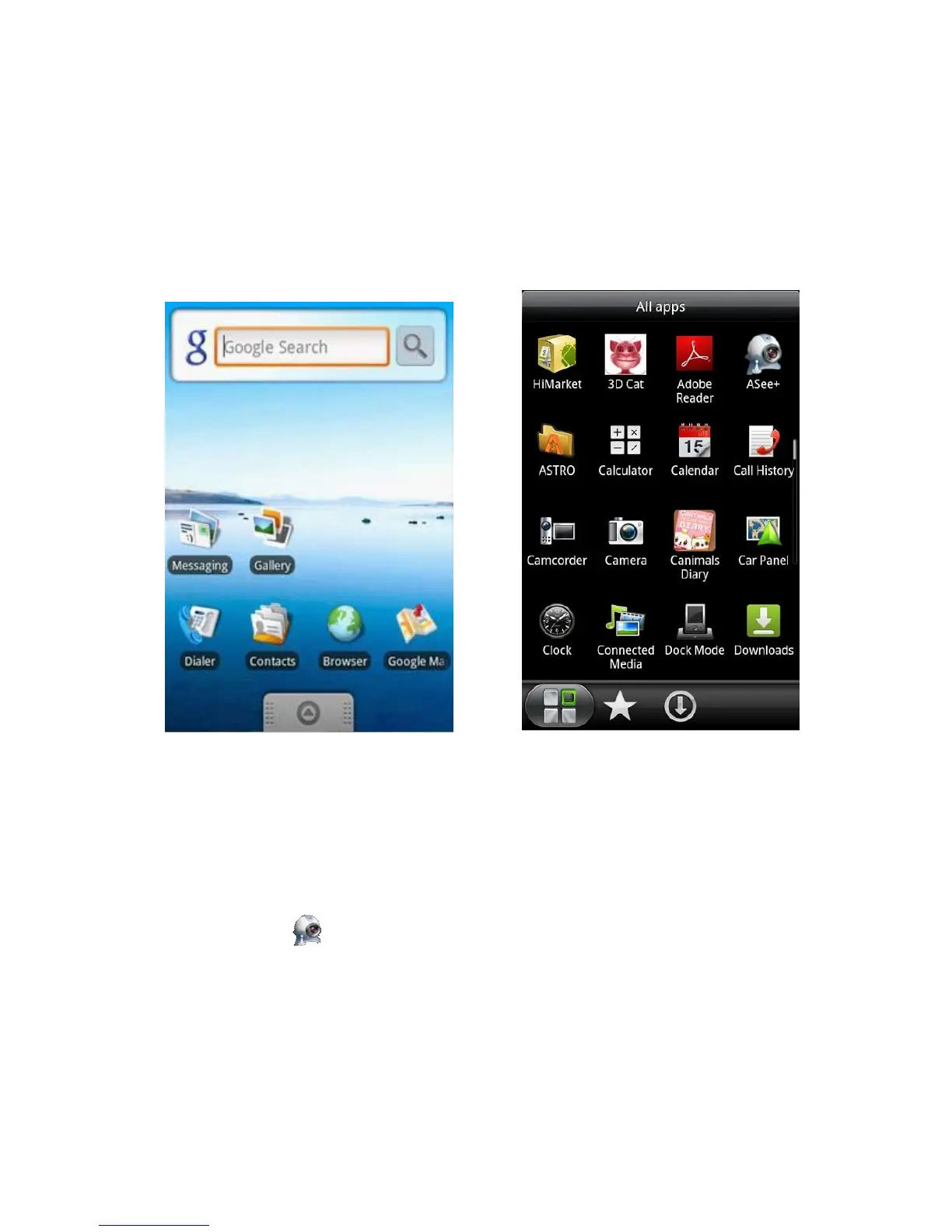
Search ASee+ on Google market and install online. As the below image shows:
2. Install offline
Copy the Asee.apk installation package to Android phone through cable. In the specified directory find out the
corresponding .apk, click the application installation (If there is not installed apk installer in the mobile phone, the user
needs to download an apk installation software so that it can identify the apk package), and the program icons will
appear after the installation is finished. Refer to the above image.
3)Click the program icon <Asee+>,on the first screen after running as is shown in the below
image.



 To Next Page