8
Settings
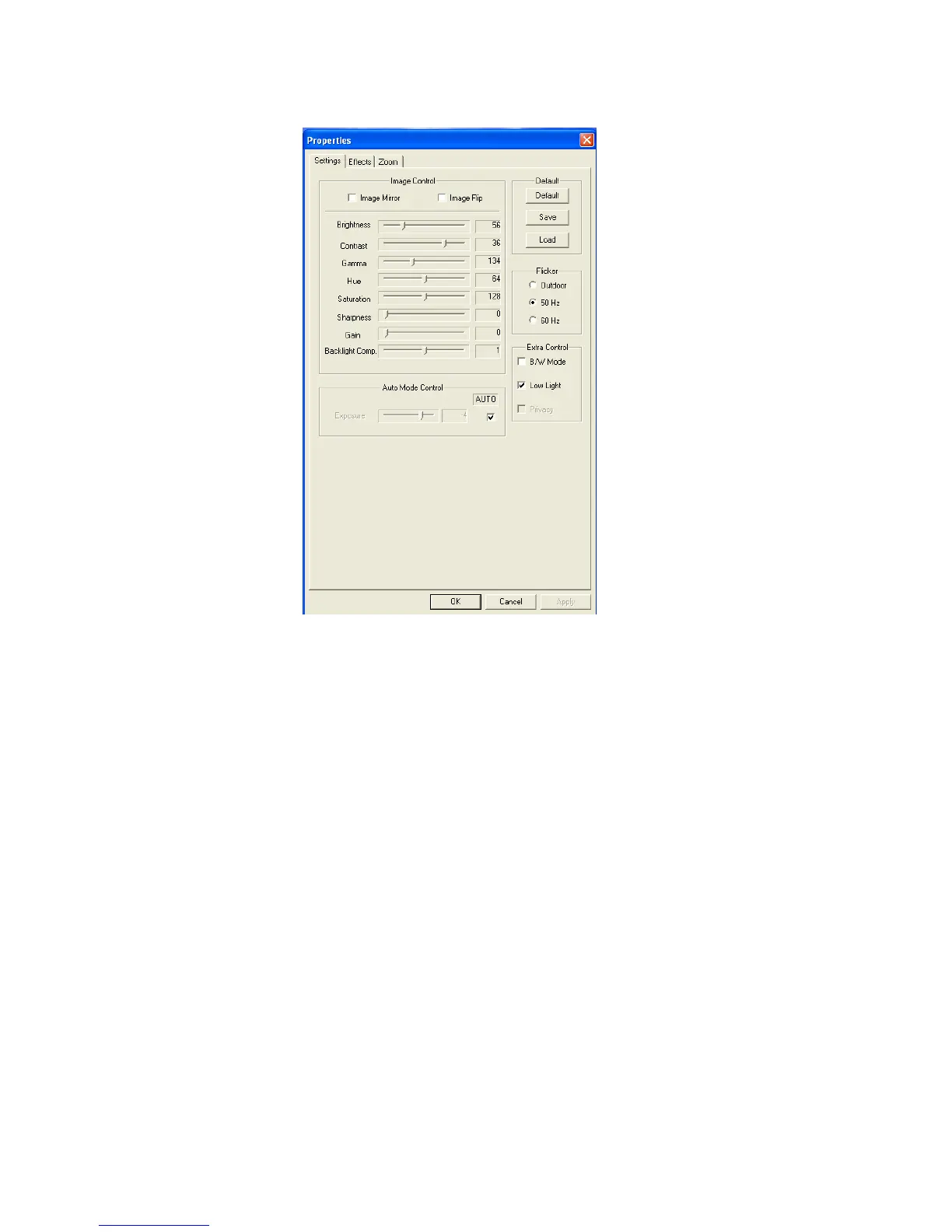
In the “Settings” page, you can change the image settings for the webcam.
1. Slide the “Brightness”,“Contrast”,“Saturation”,“Sharpness”,“Gamma”, or“Gain”
sliders to adjust the image settings.
2. Select“Default”to load the webcam default settings.
When you have changed your settings, click “Apply”.
Enjoy the use of your Conceptronic Flexcam HD!



 To Previous Page