6
Resolution configuration
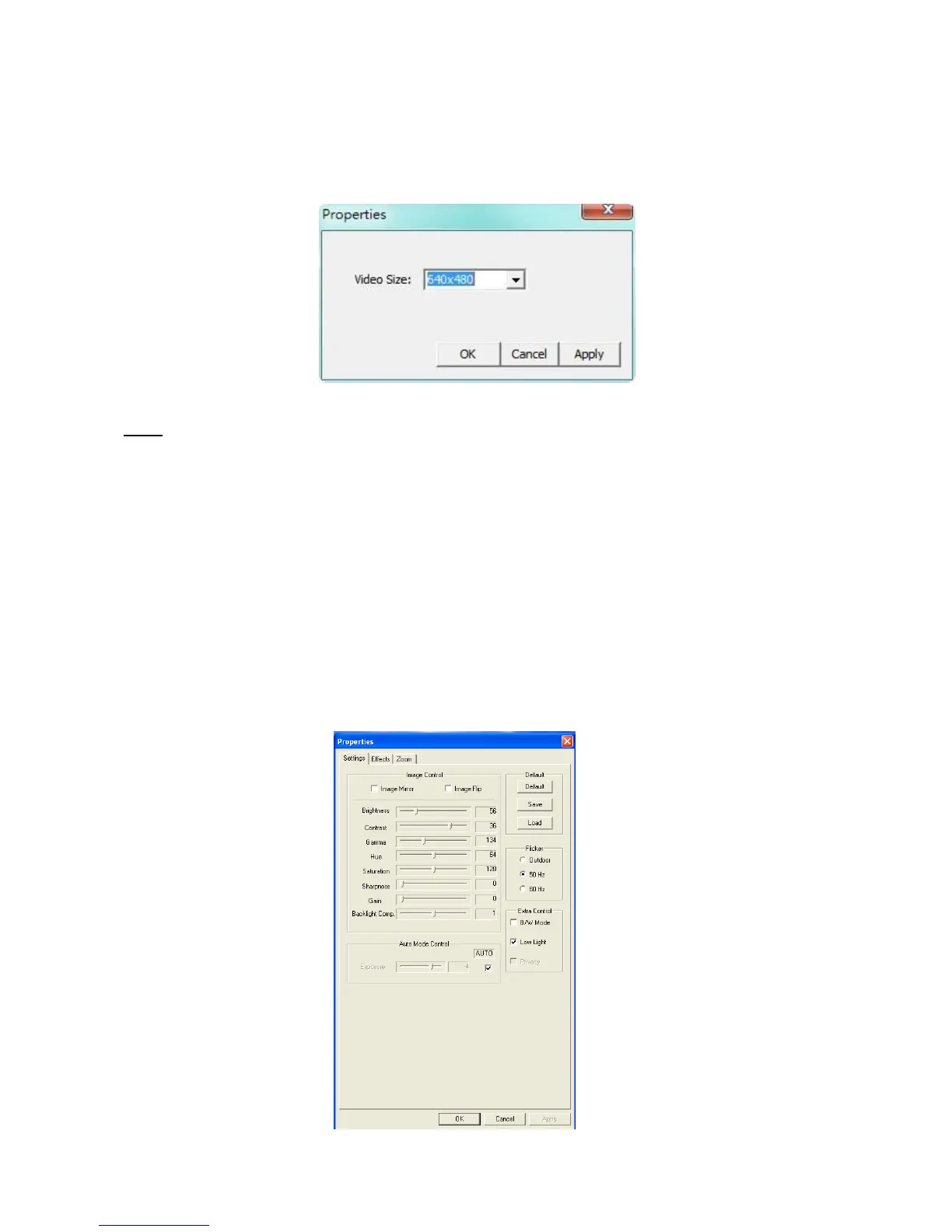
Through the menu“Options”-->“Video Capture Pin”, you are able to change the default resolution
settings for the webcam:
Note: If you select a higher resolution, the frame rate will drop. To have a smooth webcam stream,
lower the resolution.
Extra features
The webcam has extra features, like “Effects” and “Zoon / Face Tracking”. These features can be set
through the properties of the webcam, which can be accessed in different ways.
In the “Effect” page, you can select an image effect, or a photo frame, to adjust your webcam
image.



 To Next Page