English
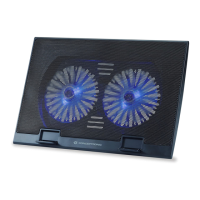
Conceptronic CNBCOOLPAD2F
The following items are present in the package of the Conceptronic Notebook Cooling
Pad with Fan:
Conceptronic Notebook Cooling Pad with Fan
This multi language quick guide
CE declaration booklet
2. Installation & usage
3.
Turn on your notebook and make sure there is a free USB port available.
There is a USB connector in the back of the cooling pad for powering your fan.
Plug the USB connector to the free USB port on your notebook.
Place your notebook firmly on the top side of the pad.



 To Next Page