English
Conceptronic CNBCOOLSTAND1F
The following items are present in the package of the Conceptronic Notebook Cooling
Pad with Fan:
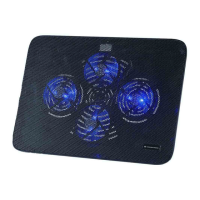
Conceptronic Notebook Cooling Pad with Fan
This multi language quick guide
CE declaration booklet
2. Installation & usage
3.
Turn on your notebook and make sure there is a free USB port available.
Connect the included USB cable to a free USB port.
Plug the USB connector to the free USB port on your notebook.
Place your notebook firmly on the top side of the pad.



 To Next Page