Plantronics Wireless Headset Installation Guide
F o r S e r v i c e C a l l : ( 8 0 0 ) 5 9 5 - 8 8 8 2 / E m a i l : d i s p a t c h @ o k t e l e p h o n e . c o m
Can adjust how high the Handset Lifter lifts handset
when answering calls by using the 3-position
adjuster on the back of the lifter, typically the lowest
position works best
Set up with A Handset Lifter:
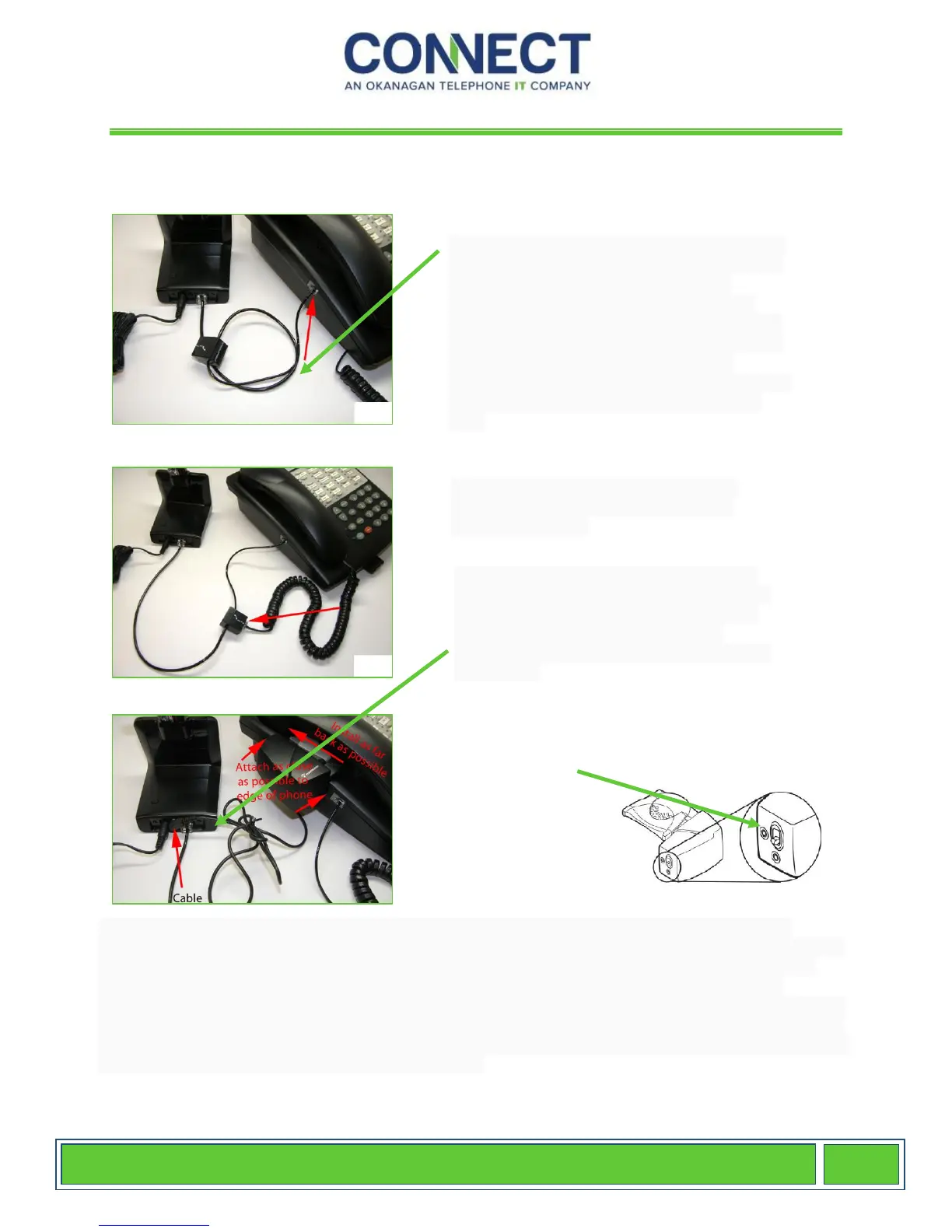
Locate the Telephone Interface Cable. It will
have plastic modular plugs on each end and
a black connector in the middle of the
cable. Take the larger modular plug and
insert it into the base that shows a picture of
a telephone. Unplug handset curly cord from
the phone and plug the small modular
adapter of the Telephone Interface Cable into
the port where you just removed the curly
cord.
Plug your telephone handset cord into
the middle of the Telephone Interface
Cable (black box).
Plug the HL10 cable into the back of the
headset base. Attach your HL10 Handset
Lifter to your phone using the 3 included
adhesive strips. The lifter should be
mounted as close to the handset earpiece
as possible
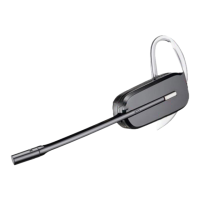
To make a call, push the button on the earpiece of the wireless headset. You will hear a dial
tone. When finished, you can push the button on the side of the wireless headset to hang-up. The
lifter listens to the noise from the speaker of your phone and transmits a beep in your ear when
hears your phone ringing. When you have an incoming call, you will hear beeps in your ear
indicating a call. If the ringing volume on your phone is too low, the lifter will not transmit the beeps.
If you choose to take the call, push the button on the wireless headset to answer the call and press
again when finished to hang-up the call. If you need to put the call on hold, or transfer the call, walk
back to your phone and press the desired buttons.


 To Next Page
 Loading...