Tips for Clear Reception
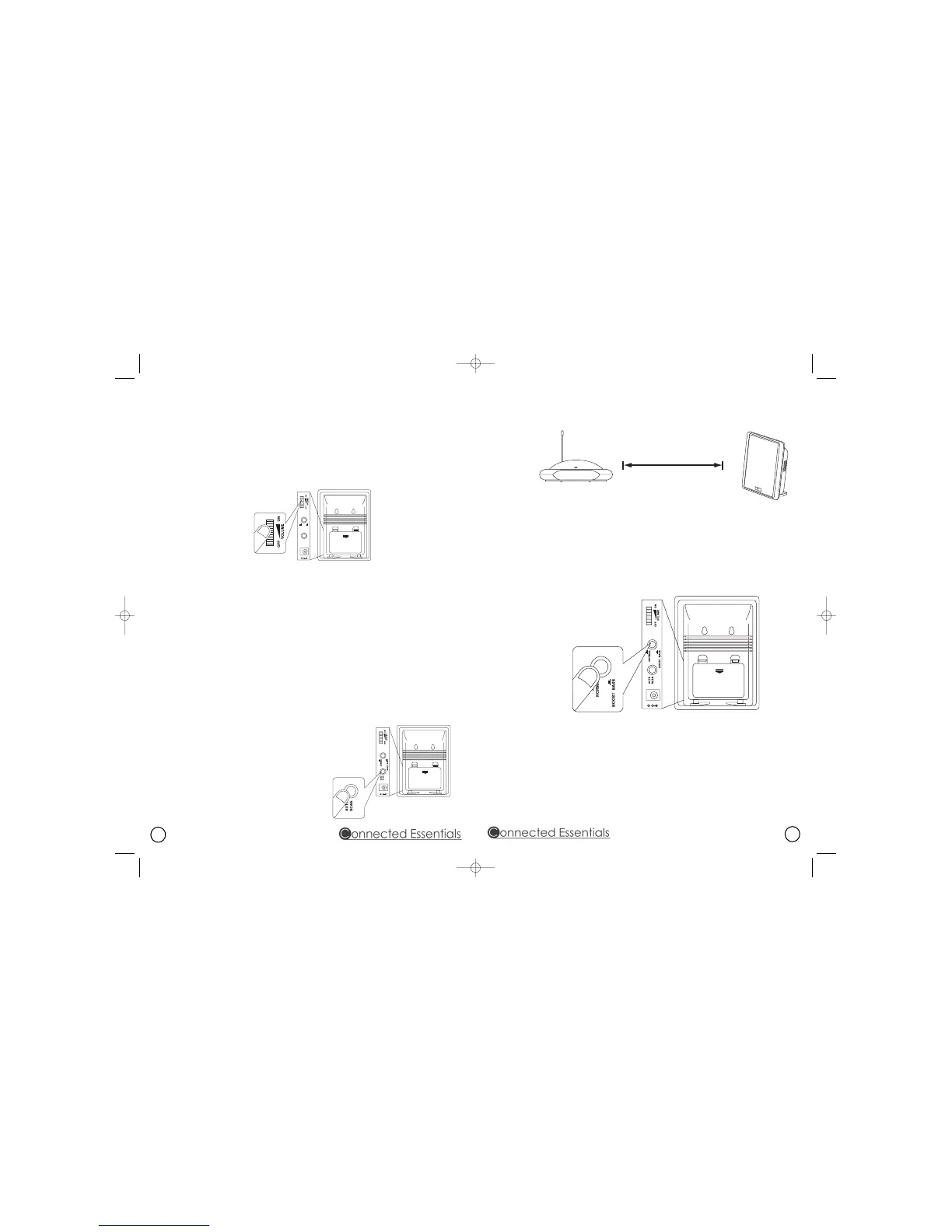
● Keep a distance of up to 7 metres between the speaker and the transmitter (diagram 5), and
then press AUTO SCAN auto-tuning button for best tuning reception.
diagram 5
● If you get interference, move the channel selector switch from one channel to another
channel on the transmitter (there are three channels for selection), and then press the
AUTO SCAN auto-tuning button again.
Bass Boost
The BASS BOOST button can be used to enhance the bass sound depending on your own
music preferences (diagram 6). Turn on the bass boost effect by pressing the BASS BOOST
button down. Turn it off by pressing the button again.
diagram 6
Note
You should now be able to move the speakers freely from room to room without interference. If
interference should occur (the signal breaks up), press the speaker’s AUTO SCAN auto-tuning
button to maximise best reception.
The signal from the system will become weaker when transmitting / receiving over longer
distances. Remember, the maximum range of 100 metres is in ideal conditions. Walls, furniture
and so on between the transmitter and speaker(s) will reduce the tranmission range.
4
7 metres
Setting Up The Speakers
1. Speakers can be powered by batteries (not supplied) or from the mains.
● If using batteries, insert 6 x AA alkaline batteries into each speaker's battery compartment.
● If using mains power, connect the 12V power adapter to the input socket on the rear of each
speaker, then plug into the wall socket.
2. Switch each speaker on by turning the VOLUME ON/OFF knob to ON (diagram 3). The
POWER/STEREO LED will light up. Switch off the speaker by turning the VOLUME ON/OFF
knob to OFF until a you hear a ‘click’.
diagram 3
Operation
1. Switch on the audio source (TV or audio component) to which the transmitter is connected.
The LED on the transmitter will light up.
2. Select transmitter channel 1, 2 or 3. You might need to try each in turn for the best
performance in your location.
3. Set the MONO/ST selector on the transmitter to ST for stereo reception. If your audio device
only provides a mono audio signal, set the MONO/ST selector to MONO for mono reception.
4. Turn on the ON/OFF VOLUME knob on the speaker and adjust the volume to the desired
listening level.
5. Push the AUTO SCAN auto-tuning button to get the speaker's best tuning reception (diagram 4).
When the button is pressed, frequency tuning starts automatically and stops when a signal is
detected. The POWER/STEREO LED will change from red to green.
6. Repeat steps 4 and 5 for the other speaker.



 To Next Page
 Loading...