DOC-13000 Rev. E 7–47
Connex500/350 User Guide
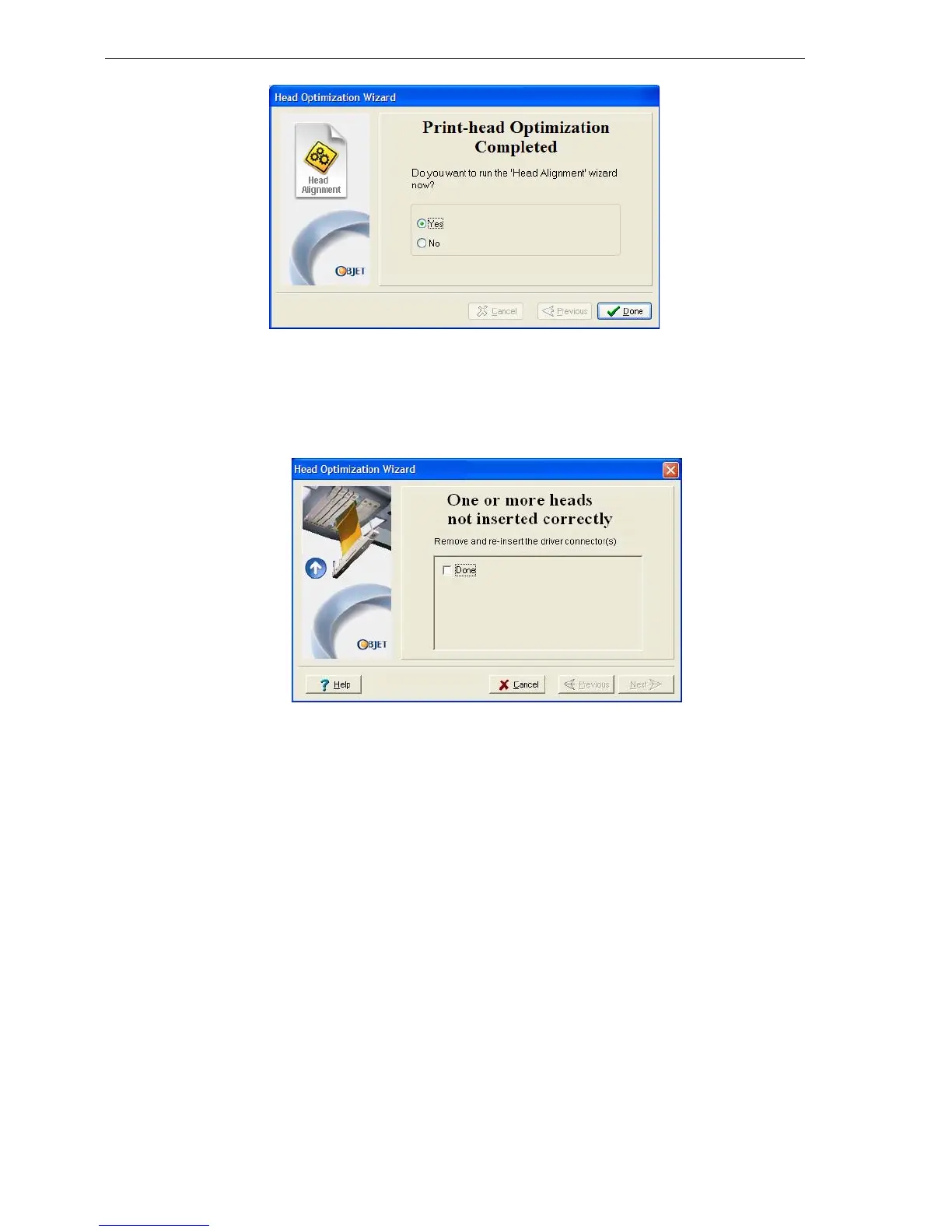
Figure 7-72: Final Head Optimization Wizard Screen
Installation
Problems
Iftheprinterdetectsthatthereisaproblemafteryouinstallprintheads,
relevantwarningscreensappear.
• Iftheprintersoftwaredoesnotsensethereplacedhead,thefollowing
warningscreenappears.
Figure 7-73: Incorrect-installation screen
Ifthishappens:
a. Opentheprintheadcompartment(seefigure 7‐63onpage 43).
b. Re‐inserttheprint‐headdrivercardintoitssocket(seefigure 7‐67
onpage 44).
c. Inthewizardscreen,selectthecheckboxtoconfirmthatyouhave
re‐insertedthecard,andclick
Next.


 To Next Page