Exit the programming mode
To leave the programming mode and to store the tariffs, press
the key ,,MODE”. You will return to normal mode.
After a calculation time of approx. 2 seconds, the subdisplay will
show the costs per hour based on the preset tariff.
B 3.2 Operation Modes
The EKM 265
tan
be operated in the following 2 modes:
1. Normal Mode
In the normal mode the keys
,,STA/STP”
and ,,ON TIME” are
without
function.
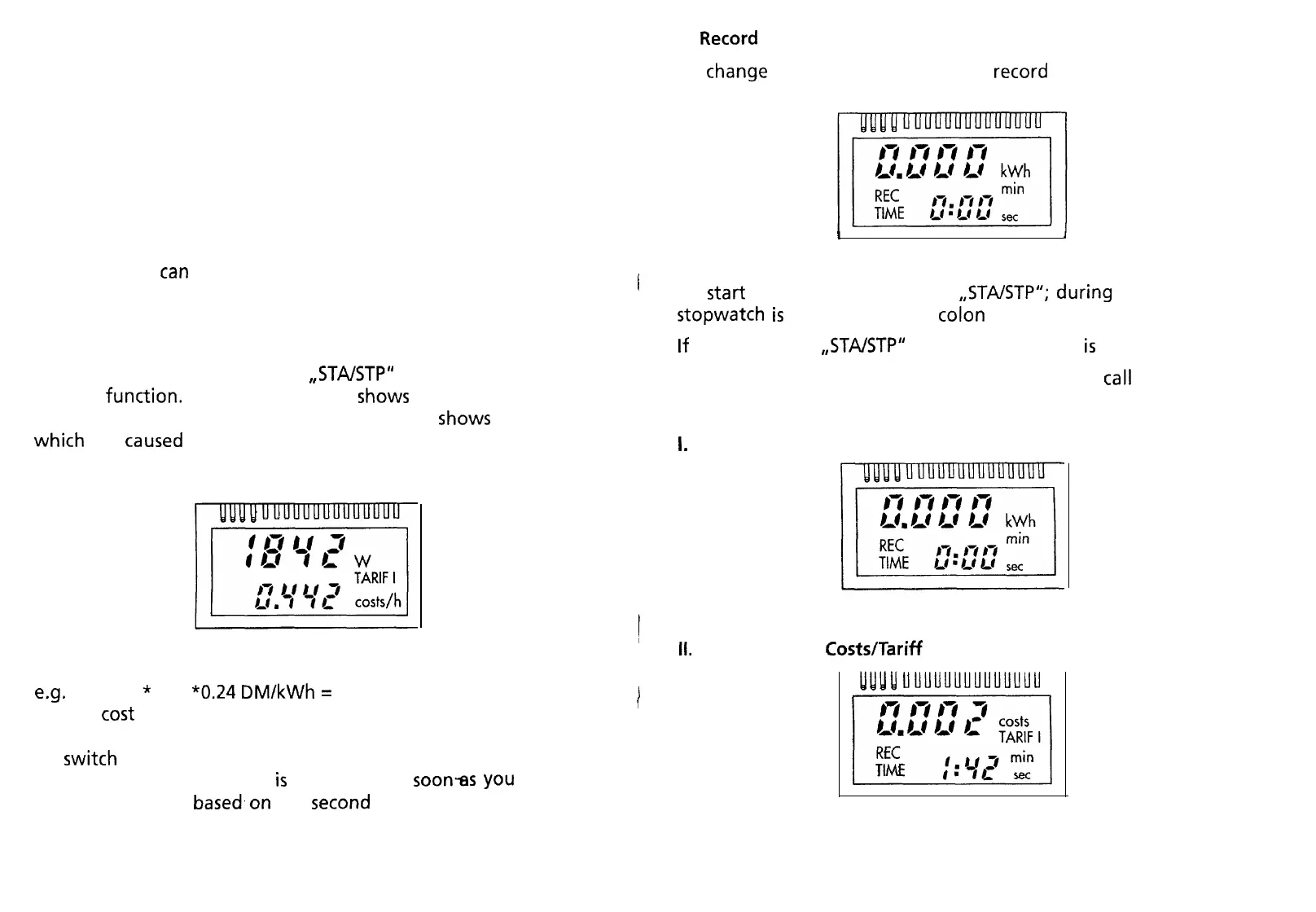
The main display
Shows
the present power
input of the connected unit. The subdisplay
Shows
the costs
which
are
caused
by the unit per hour, based on the preset tariff
(see B.l tariff input).
Display: example
e.g.
1842 W
*
1 h
“0.24
DM/kWh
=
0.442 DM
i.e. the
tost
for one hour amount to approx. 44.2 Pf (0.442 DM)
To
switch
to the next tariff only press the key ,,MODE” and hold
it down until the other tariff
is
displayed. As
soon-as
you
release
the key, the costs
based,on
the
second
tariff are calculated and
displayed.
10
2.
Record
Mode
To
Change
from normal mode to the
record
mode, press the key
,,MODE” for a short time.
I
1
Display:
l
l
To
Start
recording press the key
,,STA/STP”;
during
recording the
stopwatch
is
running (and the
colon
flashes).
If
you press the
,,STA/STP”
key again recording
is
stopped.
With the ,,MODE” key, you have the possibility to
call
up 5 diffe-
rent readings one after the other:
1.
Energy input by the consumer (kWh)
,
)
Display:
II.
Display of the
Costs/Tariff
l
l.JyJLj
uuuuuuuuuuuuuu
Display:
11


 To Next Page