27
• Do not place open sources of fire such as burning candles onto the appliance.
• Consult suitably qualified staff, if you have doubts about how the equipment oper-
ates or about how to connect it safely.
• Do not leave packaging material lying around carelessly. Plastic foil/bags and
polystyrene parts etc. could become dangerous toys for children.
• Never operate the appliance without supervision.
• Do not use the device in a tropical climate.
• Observe also the safety and operating instructions of any other devices which are
connected to your device.
• Also observe the additional safety instructions in each individual section of these
instructions.
• If you are not sure about the correct connection or if questions arise which
are not covered by the operating instructions, please do not hesitate to con-
tact our technical support or another specialist.
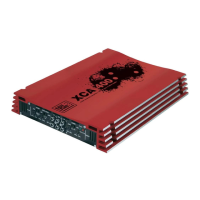
Product Description
• MOSFET technology
• two stereo channels can be bridged in each case.
• 3-channel mode for stereo operation with subwoofer (XCA 1200/1600 model only)
• bass-boost switching
• extreme steady PWM (pulse width modulation) power supply
• protective circuit in case of a short circuit at the loudspeaker outputs and over-
heating
• 2-ohm-steady loudspeaker outputs
• connectable active duplexer with adjustable cut-off frequencies
• remote control via the car radio
•
turn-on delay to suppress interference noise at the turn-on moment
• champagne-coloured connection terminals



 To Next Page