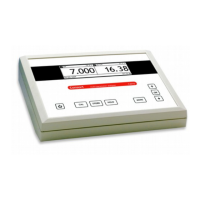
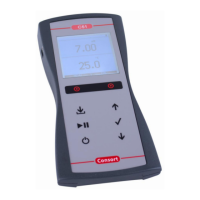
Data Storage in the internal memory
1. Press MODE.
2. Select [DATA] and press OK.
Start the data-logging
1. Select [ACTIVATE] and press OK.
2. Decide whether data-logging should be carried out or not and press OK.
3. Select [CONTINUOUS] and press OK.
4. Decide whether the oldest data should be overwritten when the memory limit
is reached or not and press OK.
5. Select [INTERVAL] and press OK.
6. Select the desired time interval between the data-logging and press OK.
7. Return to the measurements by pressing MODE.
8. The data-logging starts according to the previous settings while the display
shows the logging-number e.g. [LOG.00027].
Process the stored values
1. Select [PROCESS] and press OK.
2. Select [TABLE] or [SEND] to display or send the stored data and press OK to
continue. Follow the instructions on the screen.
Erase the stored values
1. Select [PROCESS] and press OK.
2. Select [ERASE] and press OK. Follow the instructions on the screen.
External storage in a computer using USB, RS232 or Ethernet
1. Press MODE.
2. Select [SERIAL PORT] (only on Ethernet versions) and press OK.
3. Select [INTERVAL] and press OK.
4. Select the desired interval between the transmitted data and press OK. Pre-
set to zero if no automatic transmitting is required.
5. Select [BAUD] and press OK.
6. Select the desired transmission rate and press OK.
• You can download free software and a suitable USB driver or an Ethernet
configuration document from www.consort.be.
8



 To Next Page