en Familiarising yourself with your appliance
26
4 Familiarising yourself with your appliance
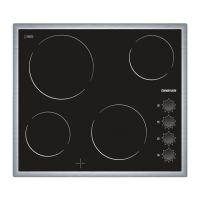
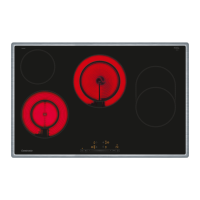
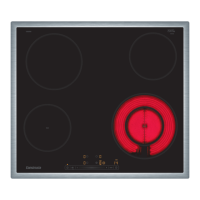
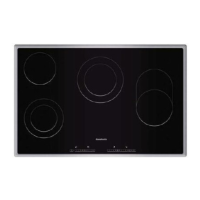
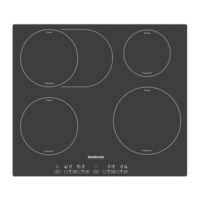
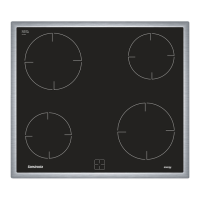
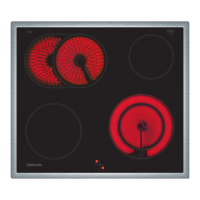
The instruction manual is the same for various different
hobs. You can find the hob dimensions in the overview
of models. →Page2
4.1 Control panel
You can use the control panel to configure all functions
of your appliance and to obtain information about the
operating status.
4.2 Indicators/symbols
The displays show selected values and functions.
Display Name
- Heat settings
/ Residual heat
4.3 Touch fields
Touch fields are touch-sensitive surfaces. To select a
function, touch the relevant field.
Touch
field
Name
Main switch
Childproof lock
Hotplate selection
Adjustment fields
Automatic zone control
Notes
¡ Always keep the control panel dry. Moisture impairs
the function.
¡ Do not pull pans close to the displays and touch
fields. The electronics may overheat.
4.4 Residual heat indicator
The hob has a two-stage residual heat indicator for
each hotplate. Do not touch the hotplate while the re-
sidual heat indicator is lit up.
Display Meaning
The hotplate is so hot that you can
keep small dishes warm or melt cook-
ing chocolate.
The hotplate is hot.
5 Basic operation
5.1 Switching the hob on or off
The main switch is used to switch the hob on and off.
If you switch the appliance back on again within
4seconds after switching off, the hob will start up with
the previously stored settings.
5.2 Switching on the hob
▶
Touch .
a The indicator lamp above lights up.
a The displays light up.
a The hob is ready for use.
5.3 Switching off the hob
The hob will switch off automatically when all hotplates
have been switched off for a while (10-60seconds).
▶
Touch .



 To Next Page
