18
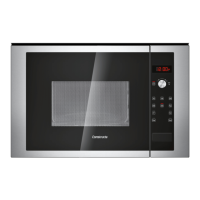
The control panel
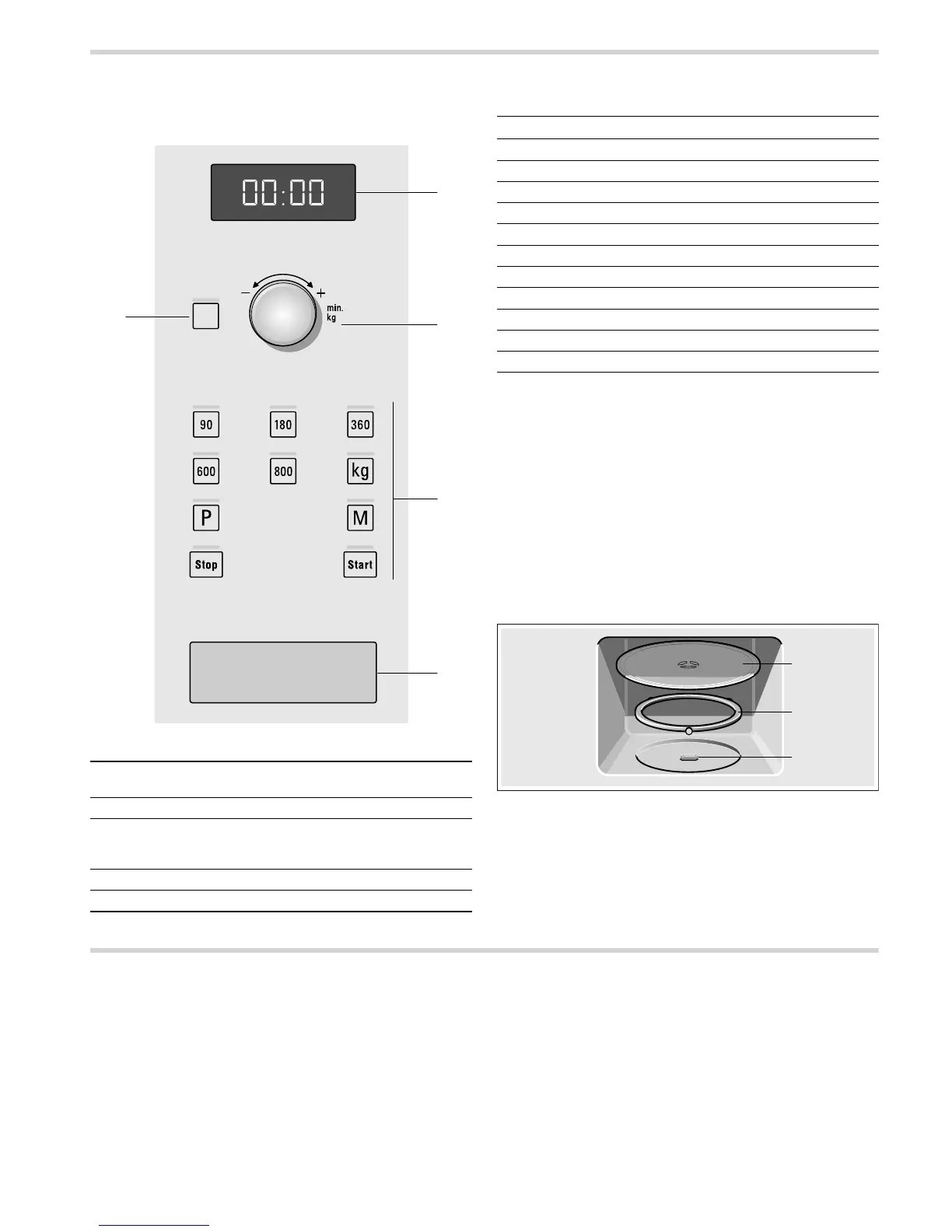
Here, you will see an overview of the control panel. Depending
on the appliance model, individual details may differ.
Rotary selector
The rotary selector is used to alter the default values and set
values.
The rotary selector is retractable. Press on the rotary selector to
lock it in or out.
Accessories
The turntable
How to fit the turntable:
1. Place the turntable ring a in the recess in the cooking
compartment.
2. Let the turntable b slot in place in the drive c in the centre of
the cooking compartment floor.
Note: Do not use the appliance if the turntable is not in place.
Ensure that it is properly slotted into place. The turntable can
turn clockwise or anti-clockwise.
Before using the appliance for the first time
Here you will find everything you need to do before using the
microwave to prepare food for the first time. First read the
section on Safety information.
Setting the clock
When the appliance is first connected or after a power cut,
three zeros will appear in the display panel.
1. Press the » button.
‚ƒ:‹‹
œ
appears in the display and the indicator lamp above
the » button lights up.
2. Set the clock using the rotary selector.
3. Press the » button again.
The current time is set.
Hiding the clock
Press the » button and then press the „ button.
The display is blank.
1 Display
for clock and cooking time
2 Clock button
3 Rotary selector
for setting the time and cooking time or for setting
automatic programmes
4 Buttons
5 Door opener
Buttons Use
» Sets the clock
90 Selects 90 watt microwave power
180 Selects 180 watt microwave power
360 Selects 360 watt microwave power
600 Selects 600 watt microwave power
800 Selects 800 watt microwave power
¼ Selects the kilogrammes for the programmes
X Selects automatic programmes
l Selects the memory
ƒ Starts operation
„ Stops operation
E
D
F


 To Next Page