EasyManua.ls Logo

Contacta STS-A31H - User Manual

Contacta STS-A31H
8 pages
Print Icon
To Next Page IconTo Next Page
Loading...
Window Intercom System
Amplifier
STS-A31H
Setup Guide
November 2020

Questions and Answers

Summary

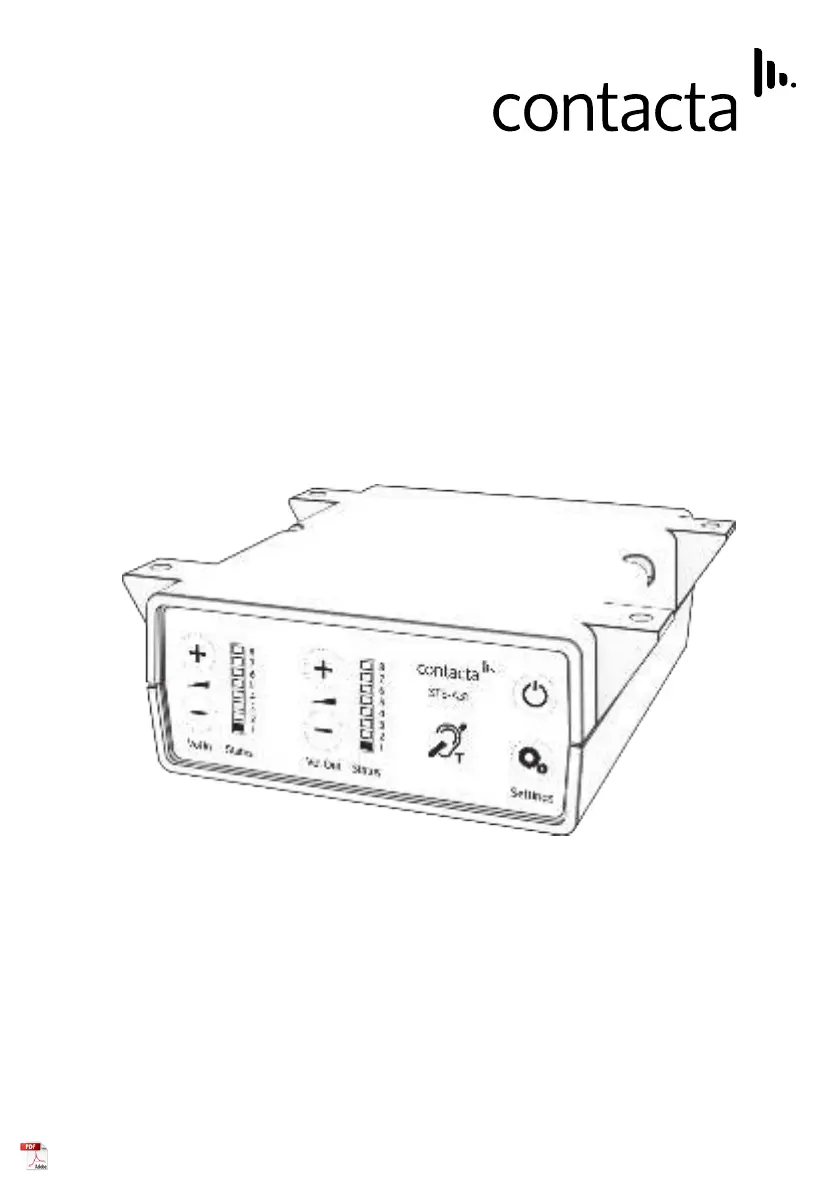
Product Overview

Overview of Front Panel Buttons

Details the front panel controls and indicators for the intercom amplifier.

Rear Amplifier Connections

Illustrates and describes the connection points on the rear of the amplifier.

Connections

Cable Preparation and Connection

Instructions for trimming, preparing, and connecting cables to the amplifier.

Setup

Basic Setup Procedure

A step-by-step guide for connecting and powering on the amplifier.

Fault Diagnosis LEDs

Explains the meaning of different LED states for fault diagnosis.

Troubleshooting

Common Issues and Solutions

Provides a table of common symptoms, their possible faults, and recommended actions.

Restoring Factory Defaults

Outlines the procedure to restore the amplifier to its factory default settings.

Engineers Mode

Entering Engineers Mode

Describes the method to access the advanced engineers mode.

Setup Area 1: Maximum Volume Adjustment

Allows adjustment of staff and customer volume levels for optimal performance.

Setup Area 2: Ducking Adjustment

Explains how to adjust the ducking level or turn it on/off.

Setup Area 3: Hearing Loop Drive Adjustment

Details how to adjust the Hearing Loop Drive level or turn it on/off.

Contacta STS-A31H Specifications

General IconGeneral
BrandContacta
ModelSTS-A31H
CategoryAmplifier
LanguageEnglish

Related product manuals