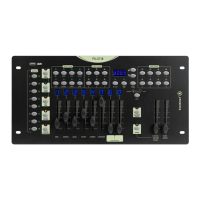
PILOT-8- 8-channel intelligent DMX controller
Page 12
English
3.11 - Sequencing preset colours
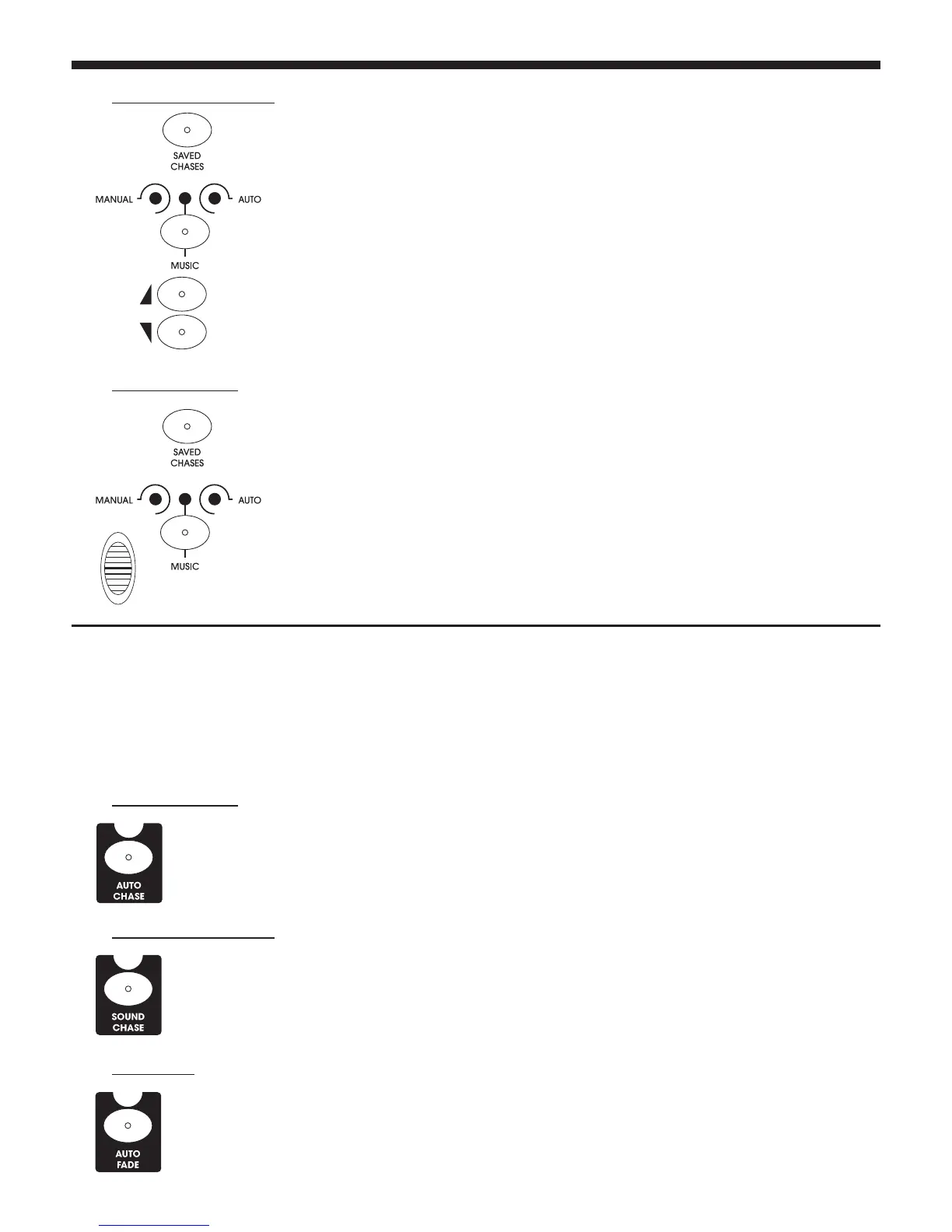
B - Music-sensitive mode
C - Automatic mode
A - Automatic mode
B - Music-sensitive mode
C - Auto fade
1 -
Make sure the BLACKOUT LED is off.
2 - Select one or several sequences.
3 - Switch to music-sensitive mode via the MANUAL/MUSIC/AUTO button.
4 - Adjust the microphone sensitivity via the UP and DOWN buttons.
1 - Make sure the BLACKOUT LED is off.
2 - Select one or several sequences.
3 - Switch to automatic mode via the MANUAL/MUSIC/AUTO button.
4 - Adjust the sequence speed via the CHASE SPEED fader.
5 - You can also adjust the speed via the INSERT/TAP button. To do so, press it twice
in succession, the speed being determined by the time lapse between the two
pressures.
1 - Make sure the BLACKOUT LED is off.
2 - Select a projector via the PROJECTOR SELECTOR buttons.
3 - Press the AUTO CHASE button, the corresponding LED will light up.
4 - Use the CHASE SPEED fader to adjust the sequencing speed.
1 - Make sure the BLACKOUT LED is off.
2 - Select a projector via the PROJECTOR SELECTOR buttons.
3 - Press the SOUND CHASE button, the corresponding LED will light up.
4 - Adjust the microphone sensitivity via the UP and DOWN buttons.
1 - Make sure the BLACKOUT LED is off.
2 - Select a projector via the PROJECTOR SELECTOR buttons.
3 - Press the AUTO FADE button, the corresponding LED will light up.
4 - Use the FADE fader to adjust the sequencing speed.
Before browsing through preset colours, please make sure the channels assignation process has been done
properly, otherwise the console colours will not match your projector colours.
The colours located in the PRESET COLORS area will be sequenced in a loop.
There are 3 modes: Automatic (AUTO CHASE), Music-sensitive (SOUND CHASE) and AUTO FADE.


 To Next Page
 Loading...