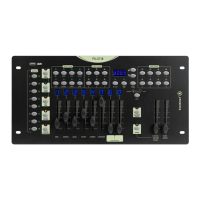
PILOT-8 - 8-channel intelligent DMX controller
Page 11
English
3.9 - Displaying a user colour
3.10 - Launching one or several sequences (chases)
3.10.1 - Retrieving sequences
3.10.2 - The various sequences playback mode
A - Manual mode
1 -
Make sure the BLACKOUT LED is off.
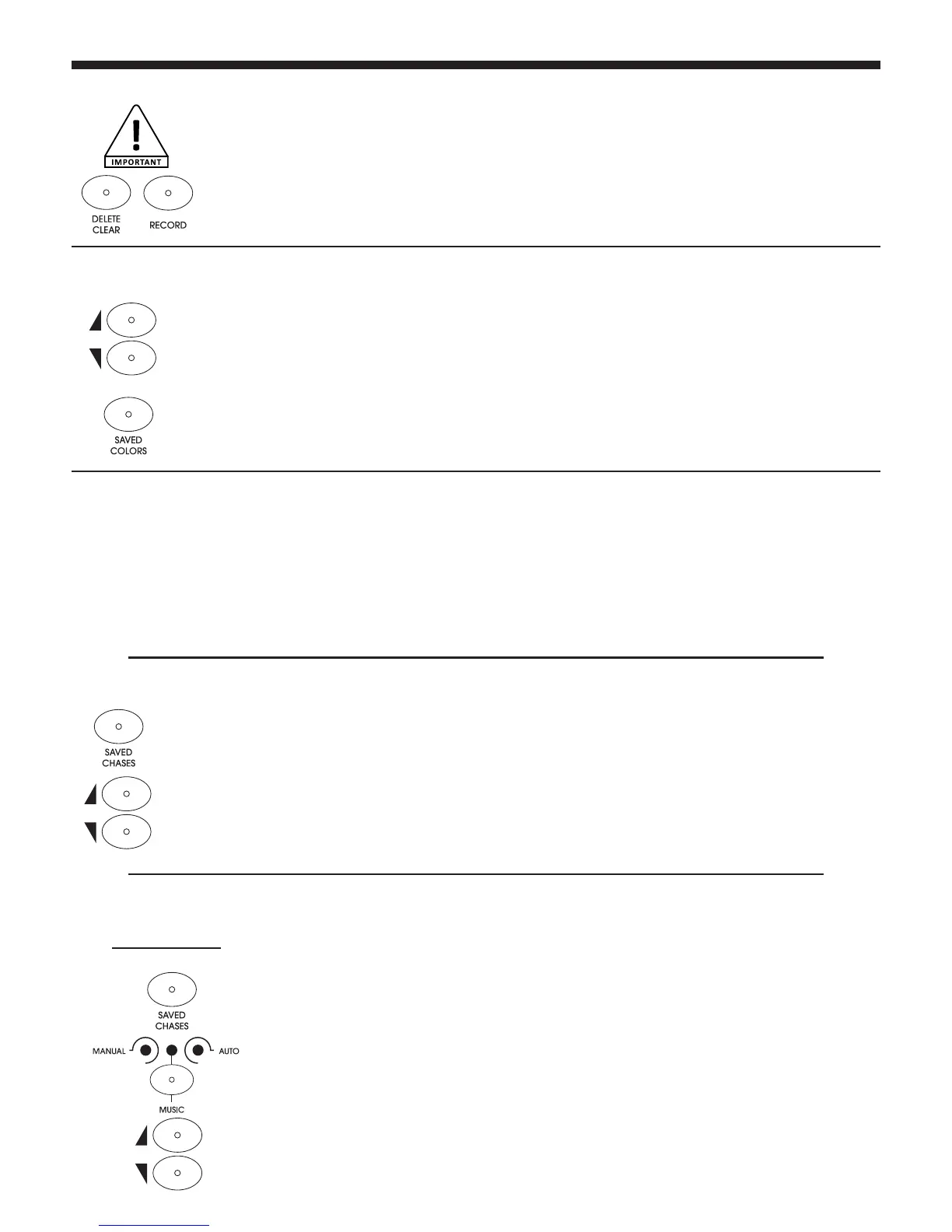
2 - Use the UP and DOWN buttons to select a bank.
3 - Press one of the SAVED COLOR buttons to display a colour.
Note: The display will indicate nuLL if no colour is assigned to the button you press.
1 - Use the SAVED CHASES buttons to retrieve sequences. The corresponding LED will light up.
2 - Once selected, use the UP and DOWN buttons to configure the number of loops. The display will
then indicate L001, L002, L003, ... etc. The number of loops goes from 1 to 200.
3 - You can now move on to the next sequence.
1 - Make sure the BLACKOUT LED is off.
2 - Select one or several sequences.
3 - Switch to manual mode via the MANUAL/MUSIC/AUTO button.
4 - Browse through the steps of your sequence via the UP and DOWN buttons.
First of all, make sure at least one sequence has been saved.
Launching sequences can be done via the SAVED CHASES buttons.
Several sequences can be launched at the same time.
The number of loops for each sequence can be set via the LOOP function.
The LED corresponding to the current sequence will remain lit whereas other LEDs flash at a 1 Hz frequency.
3.8 - Resetting to factory settings
1 - Turn off the console.
2 - Simultaneously press the RECORD and DELETE/CLEAR buttons.
3 - Without releasing these buttons, turn on the console.
4 - All LEDs will flash to confirm the reset.
CAUTION: ALL SETTINGS AND PROGRAMS WILL BE ERASED


 To Next Page
 Loading...