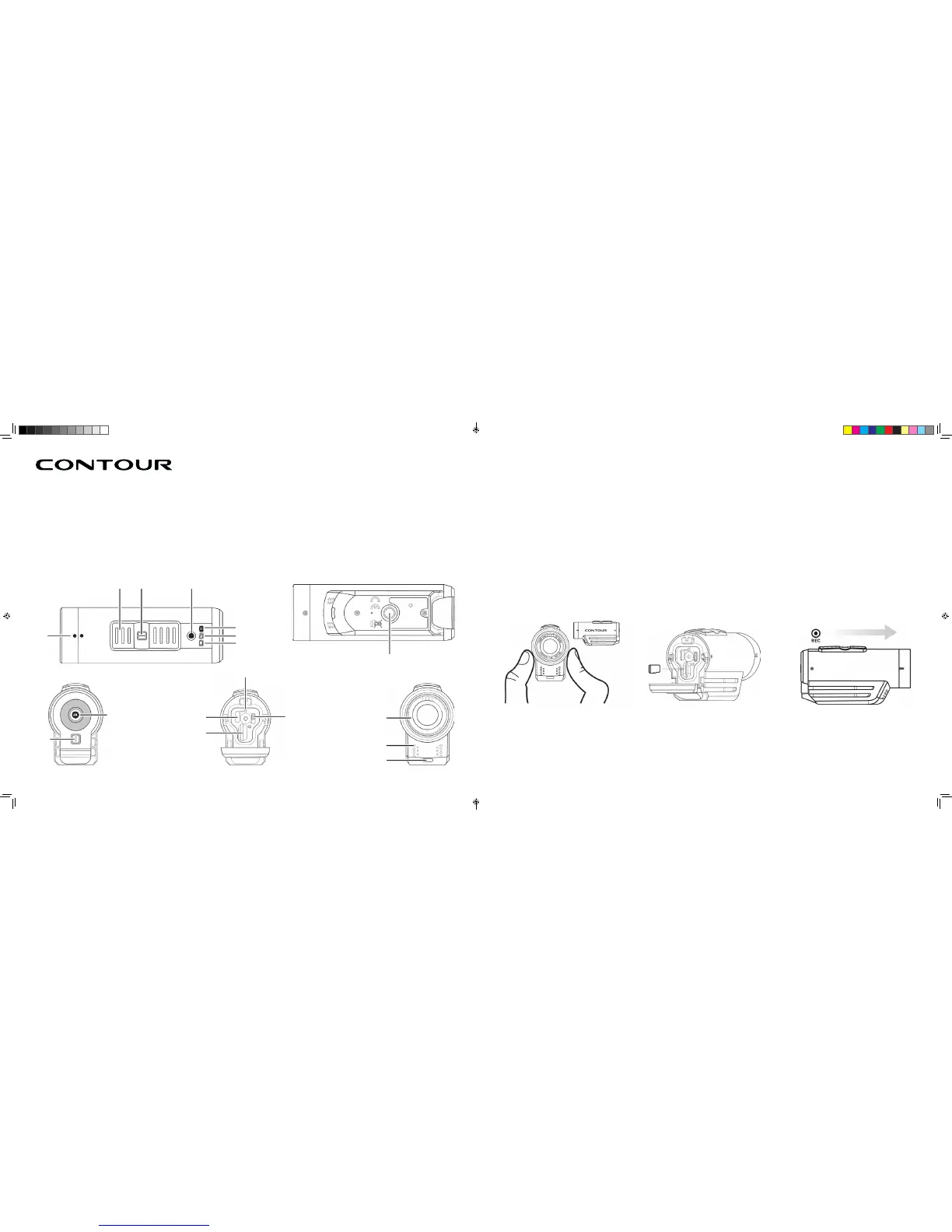
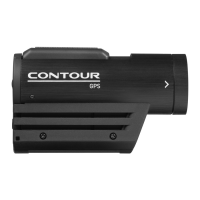
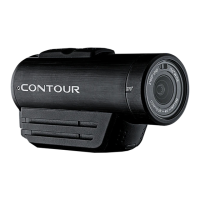
1. CAMERA DIAGRAM KEY
2. QUICK START
A Rotating Lens
B Record Slider
C Record Slider Lock
D Recording Indicator
E Photo Mode Status
F Memory Status
G Battery Status
H Tripod Hole
I Door Lock
J Status Button
K USB
L MicroSD Card Slot
M Reset Button
N 1-2 Settings Switch
O Microphone
P Laser Line & Recording Indicator
1 Slide the Door Lock to the left so the red
square isn’t showing
2 Slide the camera door up to open
3 Insert the microSD Card(not included)
4 Close the camera door
5 Slide the Door Lock to the right to lock it
closed
6 Slide the Record Slider forward to record.
Slide it back to stop recording
7 Hold status button for three seconds to
engage photo mode
A
I
B C D
E
F
G
H
J K
M
N A
O
P
L
1 2 3
4K
CONTOUR 4K MANUAL EN.indd 2-3 1/17/18 2:22 PM


 To Next Page