Balance Keyboard - REV 2.0
/5
Keyboard Shortcuts - Power Button Keyboard Shortcuts - PC Mode & Mac Mode
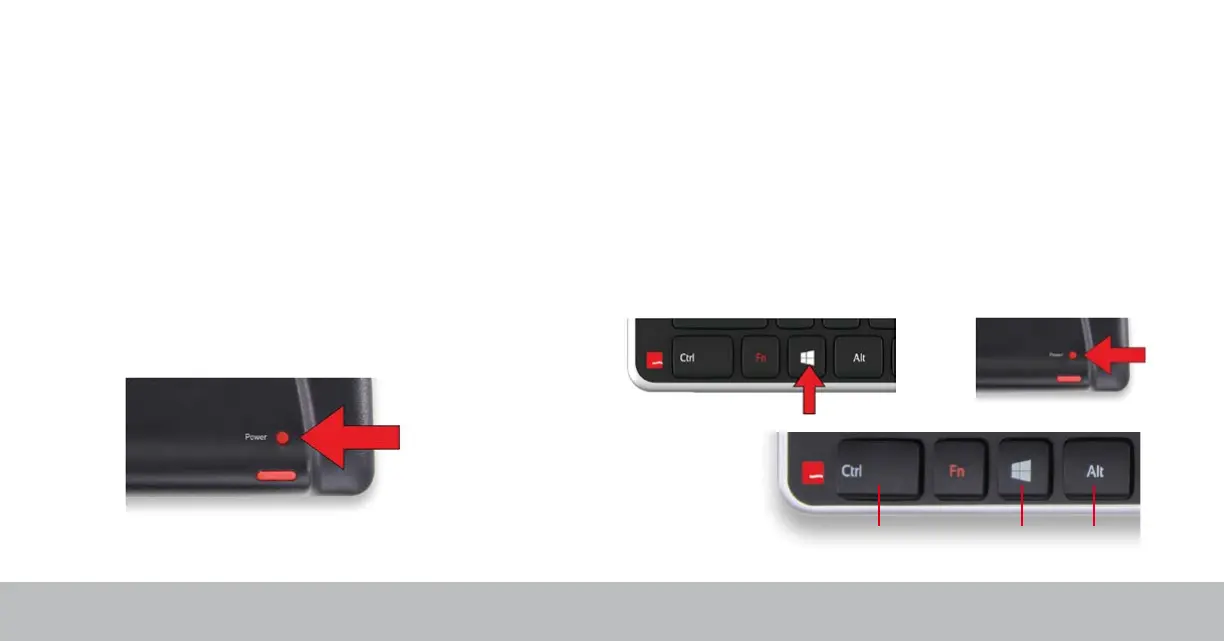
The power button turns the Balance Keyboard ON/OFF.
When powering the Balance Keyboard ON, the LEDs on the left side of the
keyboard will ash from BOTTOM to TOP. When powering OFF, the LEDs
will ash from TOP to BOTTOM.
When OFF, pressing keys will not power ON the keyboard. Only the power
button turns it ON again.
By default, the Balance Keyboard is in PC mode.
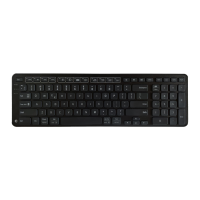
Hold the Windows key and press the power button once to toggle.
Mac mode – LED lights ash from TOP to BOTTOM
PC mode – LED lights ash from BOTTOM to TOP
Mac Keys:
Control Option
Command


 To Next Page