3
Getting Ready
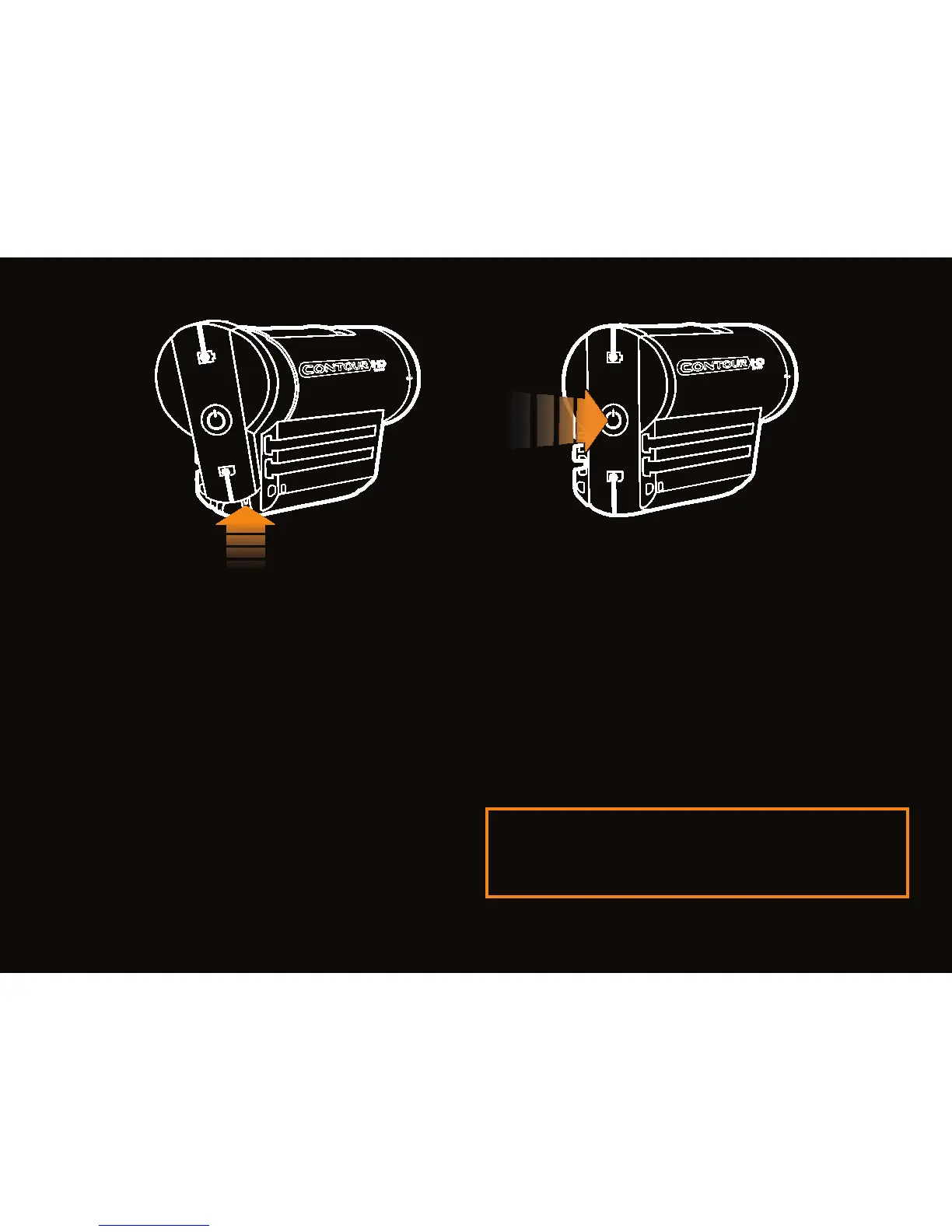
• Open the back door.
• Insert battery with (+) aligned
and close latch.
• Align back door slightly above
camera and slide down until
it locks in.
Power Up
• Push power button.
• Camera beeps and lights turn off.
• You are ready to record.
Note: Power up with record switch
forward to enable silent mode.



 To Next Page