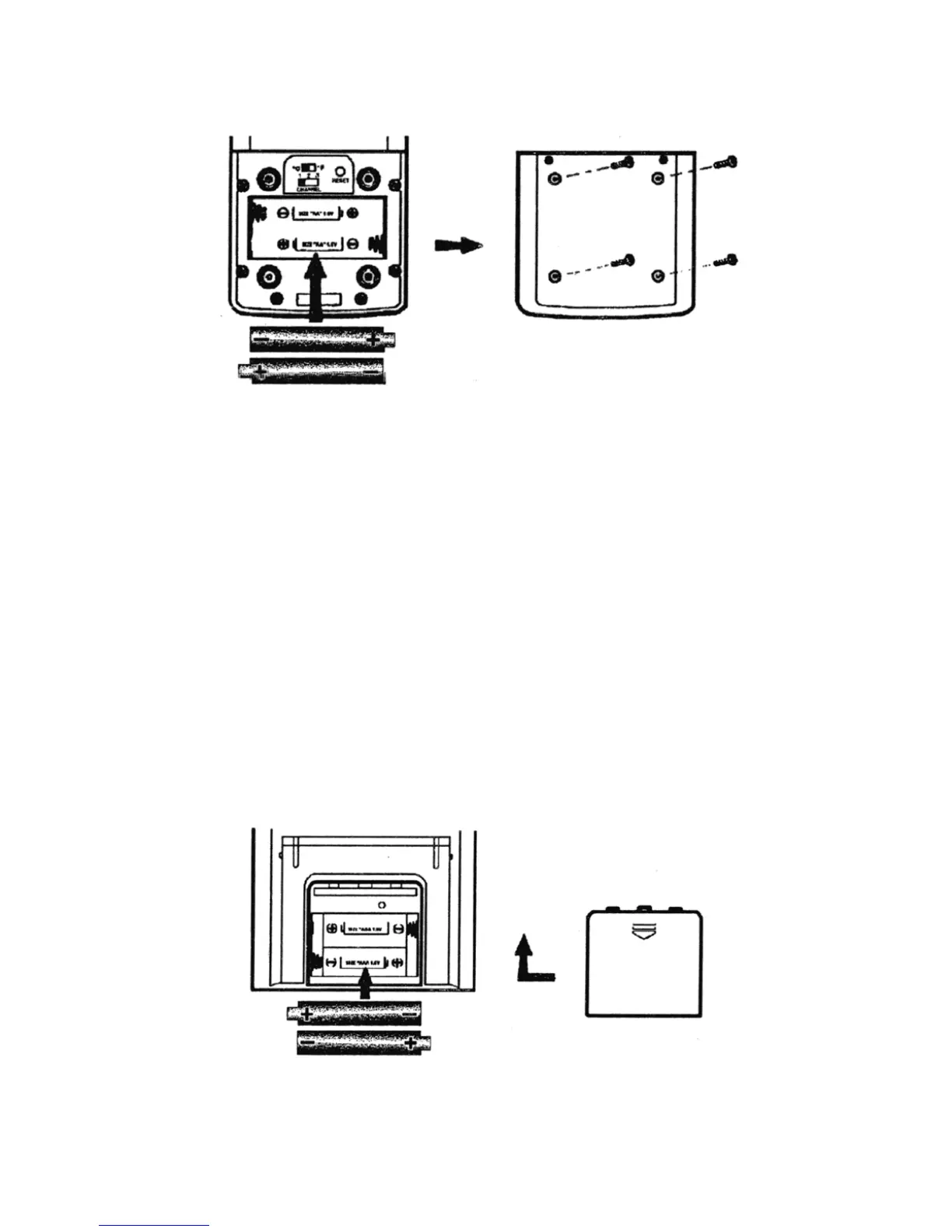
4. Insert the batteries strictly according to the polarities shown.
5. Replace the battery compartment door and secure its screws.
Replace the batteries when the low-battery indicator of the particular
channel lights up on the main unit. (Repeat the steps described in section,
“Before Beginning”.)
Note: Once a channel is assigned to a remote unit, it can only be changed
by removing the batteries or resetting the unit.
BATTERY INSTALLATION: MAIN UNIT
The main unit uses two AA batteries. To install them:
1. Slide open the battery compartment door.
2. Insert the batteries strictly according to the polarities shown.
3. Replace the battery compartment door.
8



 To Next Page