Please read this manual thoroughly before operang the unit, and keep it for further reference.
Convoy Technologies 6409 Highview Drive | Fort Wayne, IN 46808 | Ph (888) 565-2583
Owner’s / Installaon Manual
Installaon Notes
Troubleshoong
Specicaons Warranty and Support Informaon
Subject to the provisions described below, this CT product is protected for 1
year against defects in material and workmanship. Should a product fail to
perform as described above within the warranted period, it will be repaired or
replaced with the same or funconally equivalent product by CT. This warrant
does not apply if , in the judgement of CT, the product fails due to damage
from shipment, handling, storage, accident, abuse or misuse, or if it has been
used or maintained in a manner not conforming to product manual instruc-
ons, has been modied in any way. Repair by anyone other than CT or an ap-
proved agent will void this warranty. The maximum liability of CT under this
warranty is limited to the purchase price of the product covered by the warran-
ty. All defecve products should be returned to CT with shipping charges pre-
paid. CT will not accept collect shipments.
Symptom possible Causes/Soluons
No picture. No sound Improper connecon of automobile adapter. Use of un-authorized power supply. Power switch is on OFF posion
No picture Check whether locking cable is properly connected.
No sound Check whether locking cable is properly connected, or the volume is set too low
Dark picture Check whether brightness and contrast are adjusted correctly, and note if the temperature is at or below –10°C.
No color Adjust the color sengs.
No reversing funcon
(i.e. Picture)
Check the wires (black/ red/ blue) that may be loose
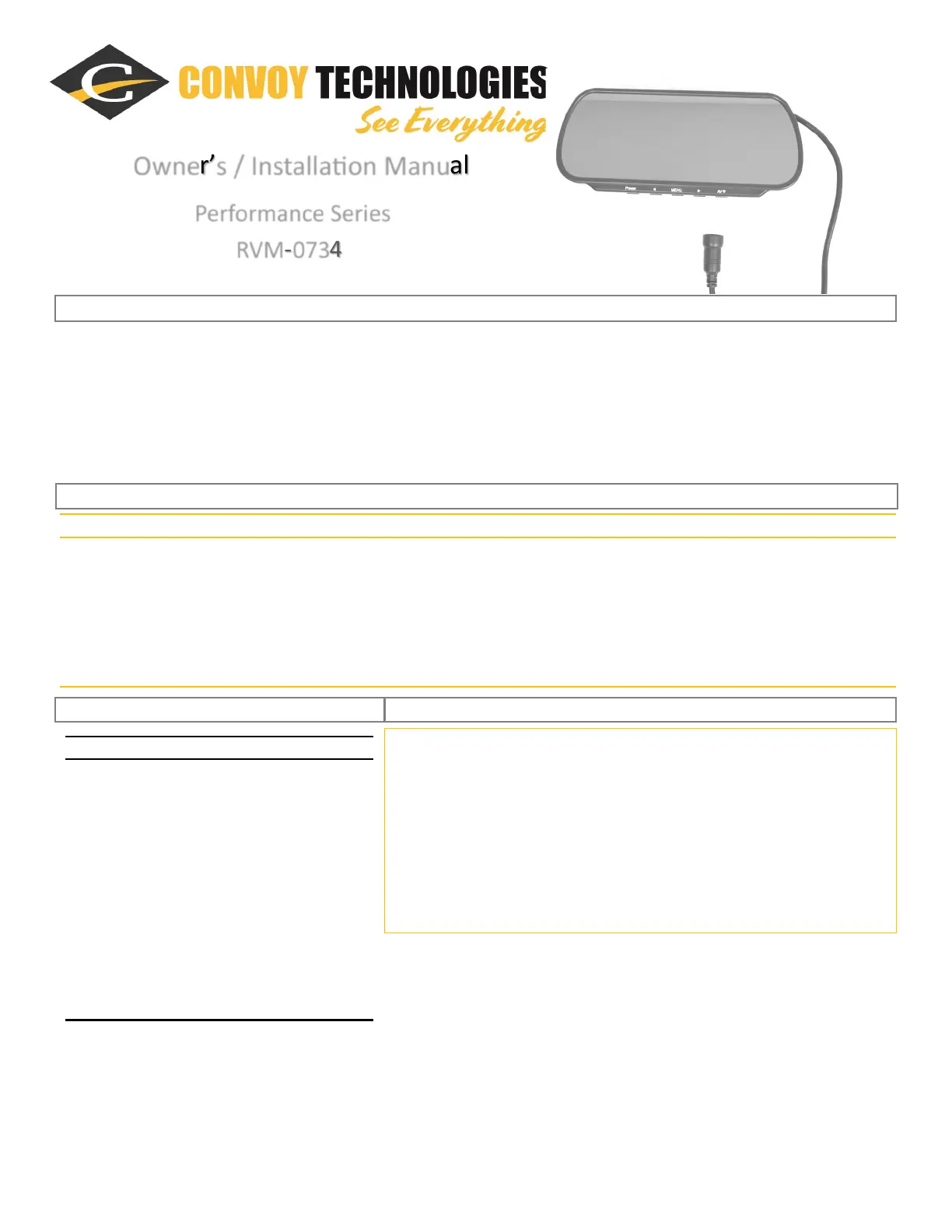
Performance Series
RVM-0734
• 12v to the trigger wire will turn the monitor and camera on, and focus on that camera. When trigger voltage is removed,
monitor will turn o, or go back to its previous state.
• AV1 does not have a trigger wire. There is a distance grid superimposed on AV2, for the backup camera view.
• Trigger delay mes on Menu Page 5 are useful if you install sideview cameras triggered by turn signals. If you connect your
12v trigger wire to a pulsing wire, increasing the delay will keep the camera turned on instead of turning on and o when the
turn indicators ash, allowing the driver to view the camera on the inside of the turn unl the turn is complete.
7” TFT-LCD Color Monitor
Audio Output:
0.5 W
Loudspeaker:
1ea 15x40mm
Power Supply:
10-24V
Power Consumpon:
6.6W Max, 260mA
Outer Dim (WxHxD):
9-⁷⁄₈”x 4-¼”x 1-¼”
Resoluon:
800W x 480H
Contrast:
300:1
Brighness:
500cd/m²
Viewing Angle:
40°V x 60°H
Operang Temperature:
-10°- +60°C, RH90%
Storage Temperature:
-20° - +70°C, RH90%



 To Previous Page
 Loading...