Please read this manual thoroughly before operang the unit, and keep it for further reference.
Convoy Technologies 6409 Highview Drive | Fort Wayne, IN 46808 | Ph (888) 565-2583
Owner’s / Installaon Manual
RVM-0734 Operaon
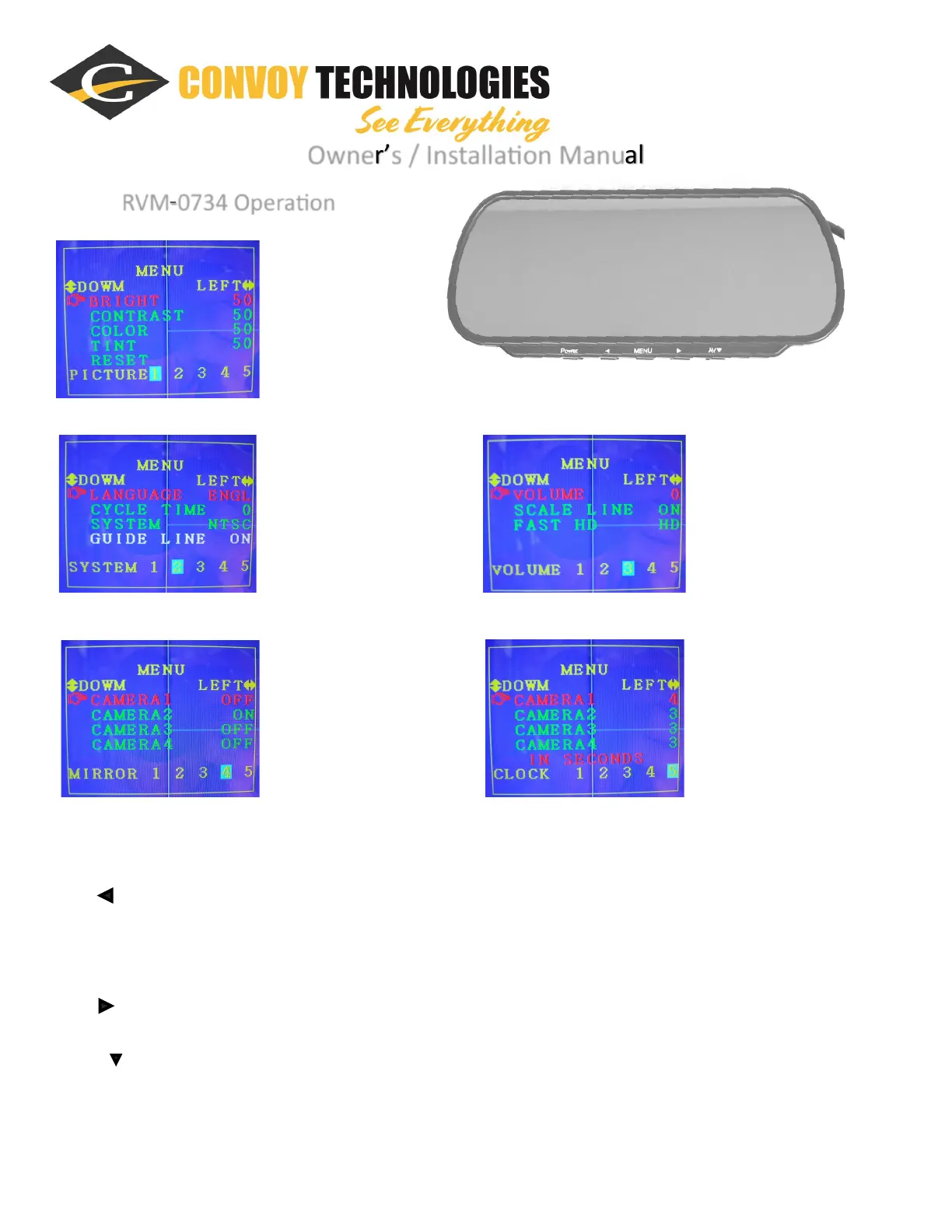
Menu Page 3:
Volume Control, etc.
Menu Page 4:
Camera Channel Mirror Image on
or o.
Menu Page 1:
Picture Controls
Menu Page 2:
Appearance Controls
Menu Page 5:
Camera focus delay me aer
trigger voltage is removed.
Funcon Keys:
1. Power = Power On/O
2. = a. Quad (AV1-4) and triple (AV1-3) images display switch
b. In the menu, it will adjust up numbers or opons
3. MENU = a. Enter Menu
b. Turn Menu Page
4. = a. Dual images display switch: (AV1-2) TO (AV3-4)
b. In the menu, it will adjust down numbers or opons
5. AV = a. Single channel switch (AV1, AV2, AV3, AV4)
b. In the menu, this will select an opon on that menu page.



 To Next Page