21
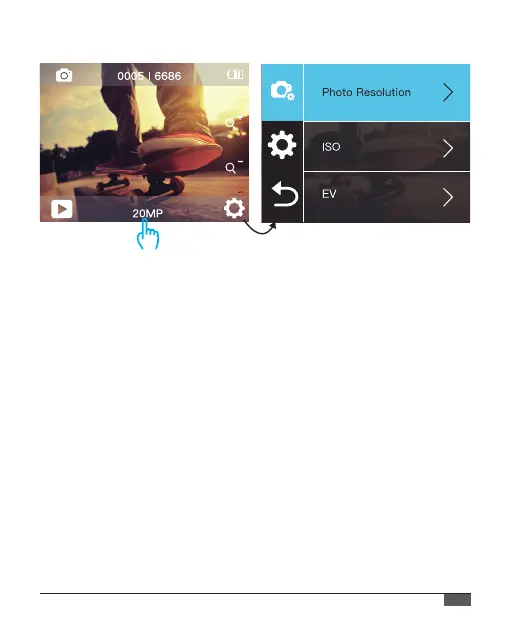
1. Photo Resolution: 20M/16M/14M/10M/8M/5M
Default setting is 20M.
2. ISO: Auto / 100 / 200 / 400 / 800 / 1600 / 3200
Default setting is Auto.
ISO determines the camera’s sensitivity to light, and creates a trade-
o between brightness and resulting image noise. Image noise refers
to the degree of graininess in the image.
In low light, higher ISO values result in brighter images, but with
greater image noise. Lower values result in lower image noise,
but darker images. When you change this setting, the IPS display
immediately shows you the eect on your image.
3. EV(Exposure Value): -2 ~ +2
By default, your camera uses the entire image to determine the
appropriate exposure level. This setting is particularly useful in shots
PHOTO SETTINGS
Photo



 To Next Page