29
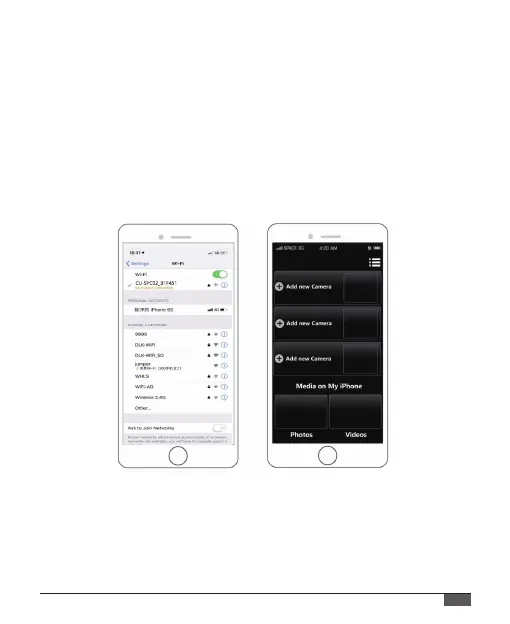
4. Enter the password: “1234567890”;
5. Open the app “iSmart DV”on your smart phone or tablet;
6. Tap “Add new camera”;
7. Tap “Wi-Fi Connect”;
Note: Press quickly Up Button again if you want to turn o Wi-Fi.
If you can't connect app successfully, please send your phone version
and operation system version to our ocial email box support@
cooau.com , we will help you solve it.



 To Next Page