31
OFFLOADING YOUR CONTENT TO SMARTPHONE OR TABLET
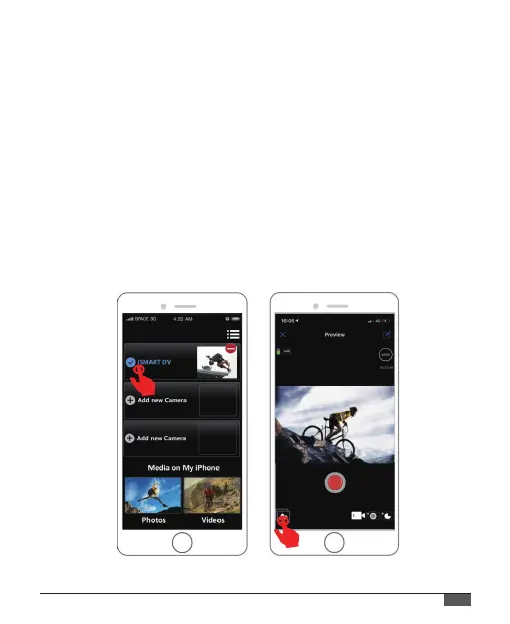
1. Open the “iSmart DV”app.
2. Tap “Albums icon”at the left corner of the bottom screen.
3. Tap “Photos” or “Videos” at the top of the screen, then tap “Choose”,
then select the files you want to download.
4. Tap “Download icon” at the right corner of the bottom screen to
download, then tap “Confirm Download”.
5. Tap “Save Images”.
If you want to share your content, you can choose the desired app
to share.



 To Next Page