EasyManua.ls Logo

Cookworks Signature Breadmaker - User Manual

Cookworks Signature Breadmaker
18 pages
Print Icon
To Next Page IconTo Next Page
Loading...
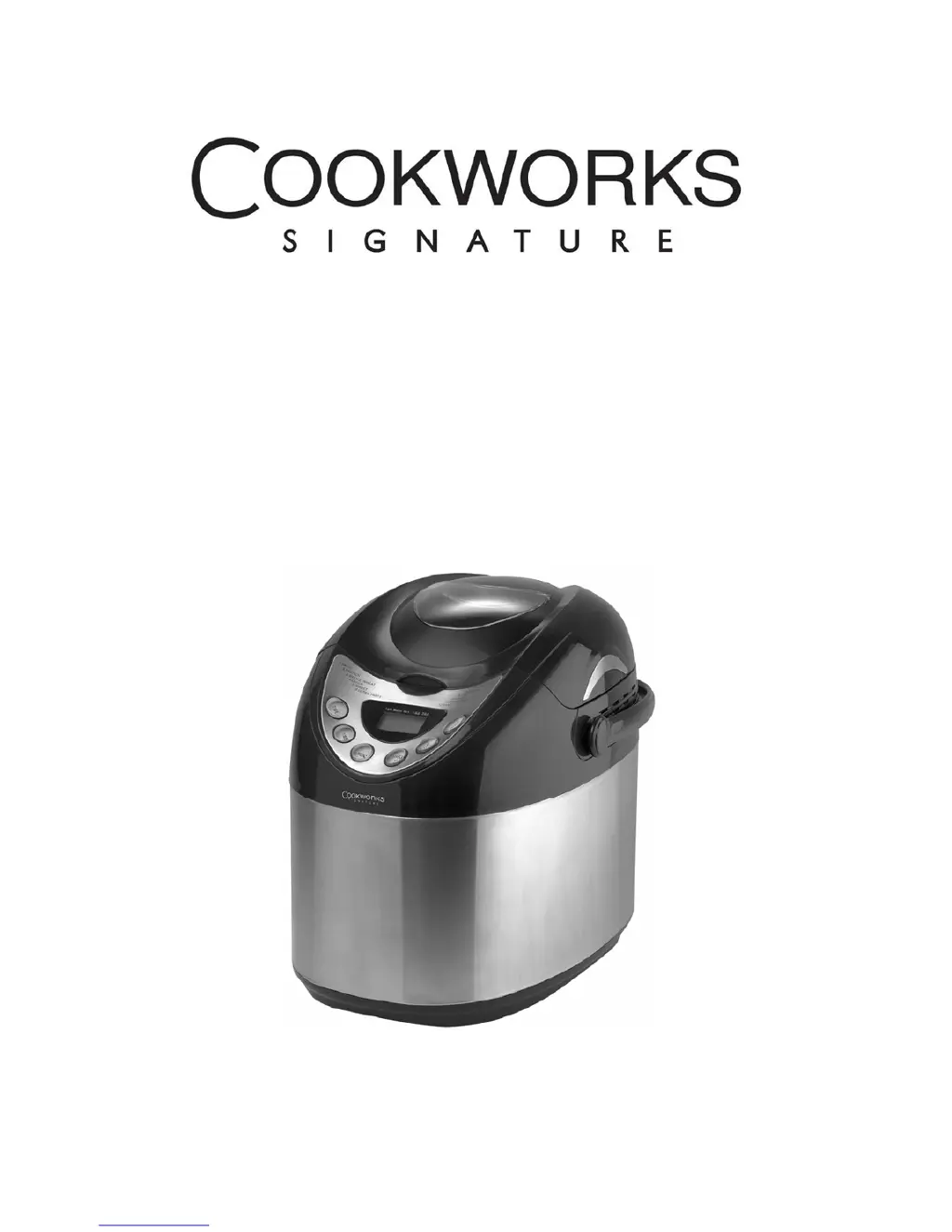
STAINLESS STEEL BREADMAKER
INSTRUCTION MANUAL
ʳ
ʳ

Questions and Answers

  • S
    Suzanne AllenAug 19, 2025
    What to do if my Cookworks Signature Bread Maker shows 'H:HH' on the display?
    • M
      Margaret MasonAug 19, 2025
      If the Cookworks Signature Bread Maker displays 'H:HH' after pressing the start/stop button, it means the temperature inside is too high. To resolve this, press the start/stop button again, unplug the bread maker, remove the bread pan, and open the lid to let it cool down.
  • M
    Michael KingAug 21, 2025
    Why is the bread from my Cookworks Signature Breadmaker too dark?
    • A
      allenpaulAug 21, 2025
      If the baking color is too dark when using your Cookworks Signature Bread Maker, it may be due to the recipe or ingredients you are using. Excessive sugar can cause the baking color to darken. Adjust the amount of sugar in your recipe to achieve the desired color.
  • J
    Jill FloydAug 25, 2025
    Why is the bread so big it pushes the lid of my Cookworks Signature Breadmaker Bread Maker?
    • R
      Ryan MoranAug 25, 2025
      If the bread size is too large and pushes the lid of your Cookworks Signature Bread Maker, it's likely due to using too much yeast, flour, or water. Ensure you are using the correct amounts of each ingredient as specified in your recipe.
  • M
    Mrs. Jennifer Serrano MDAug 26, 2025
    Why is the dough overflowing from my Cookworks Signature Breadmaker?
    • M
      Mrs. Brittany HollandAug 26, 2025
      If the dough overflows from the bread pan in your Cookworks Signature Bread Maker, you likely added too much yeast and liquids. Reduce the amount of liquids and yeast in your recipe.
  • V
    victor16Aug 28, 2025
    Why does my Cookworks Signature Breadmaker make noise but not stir the dough?
    • S
      Stephanie BrownAug 28, 2025
      If you hear motor noises but the dough isn’t being stirred in your Cookworks Signature Bread Maker, check if the bread pan is properly fixed. Also, ensure the dough isn't too large by verifying the recipe and accurately weighing the ingredients.
  • D
    Deborah MccormickAug 30, 2025
    Why is the bread from my Cookworks Signature Breadmaker Bread Maker too small?
    • T
      Thomas RodriguezAug 30, 2025
      If the bread size is too small or the bread hasn’t risen in your Cookworks Signature Bread Maker, it could be due to not enough yeast, high water temperature, or mixing the yeast with salt. Ensure you use the correct amount of yeast and proper water temperature for baking.
  • J
    johnsonbenjaminSep 1, 2025
    Why does my Cookworks Signature Bread Maker bread collapse in the middle?
    • A
      Angela JacksonSep 1, 2025
      If the bread collapses in the middle parts when using your Cookworks Signature Bread Maker, the flour might not be strong enough. Use bread flour of strong powder to prevent collapsing.
  • E
    eblackSep 3, 2025
    Why is my Cookworks Signature Breadmaker bread hollow in the middle?
    • M
      melissasmithSep 3, 2025
      If the middle parts are hollow after cutting the bread from your Cookworks Signature Bread Maker, it may be due to excessive water or yeast, or a lack of salt. Reduce the amount of water or yeast and check the salt content in your recipe. Also, high water temperature can cause this issue, so check the water temperature as well.
  • M
    Mrs. Melinda Jones DDSSep 5, 2025
    Why is the crust of my Cookworks Signature Breadmaker Bread Maker bread too thick?
    • J
      Justin HarperSep 5, 2025
      If the bread bottom crust from your Cookworks Signature Bread Maker is too thick, it may be because the bread was kept warm in the bread pan for too long, causing excessive water loss. Take the bread out immediately after baking, without using the keep warm function for an extended period.
  • M
    Mr. Scott WestSep 8, 2025
    Why is my Cookworks Signature Bread Maker bread heavy and dense?
    • K
      Karen RichSep 8, 2025
      If the bread weight is heavy and dense when using your Cookworks Signature Bread Maker, it could be due to too much flour or not enough water. Reduce the amount of flour or add more water. It can also be caused by too many fruit ingredients or too much whole wheat flour. Reduce the amount of these ingredients and increase the yeast.

Summary

IMPORTANT SAFEGUARDS

USING THE APPLIANCE

CONTROL PANEL OVERVIEW

Description of the bread maker's control panel and its buttons.

PROGRAM SELECTION

How to use the menu button to select the 12 available baking programs.

BREAD PAN AND BAKING PROCESS

HOW TO MAKE BREAD

Step-by-step guide for preparing and baking bread.

CLEANING INSTRUCTIONS

CONNECTION TO POWER

TROUBLESHOOTING GUIDE

BREAD MAKER COOKBOOK

JAM AND MARMALADE RECIPES

CAKE RECIPES

Cookworks Signature Breadmaker Specifications

General IconGeneral
BrandCookworks Signature
ModelBreadmaker
CategoryBread Maker
LanguageEnglish