EasyManua.ls Logo

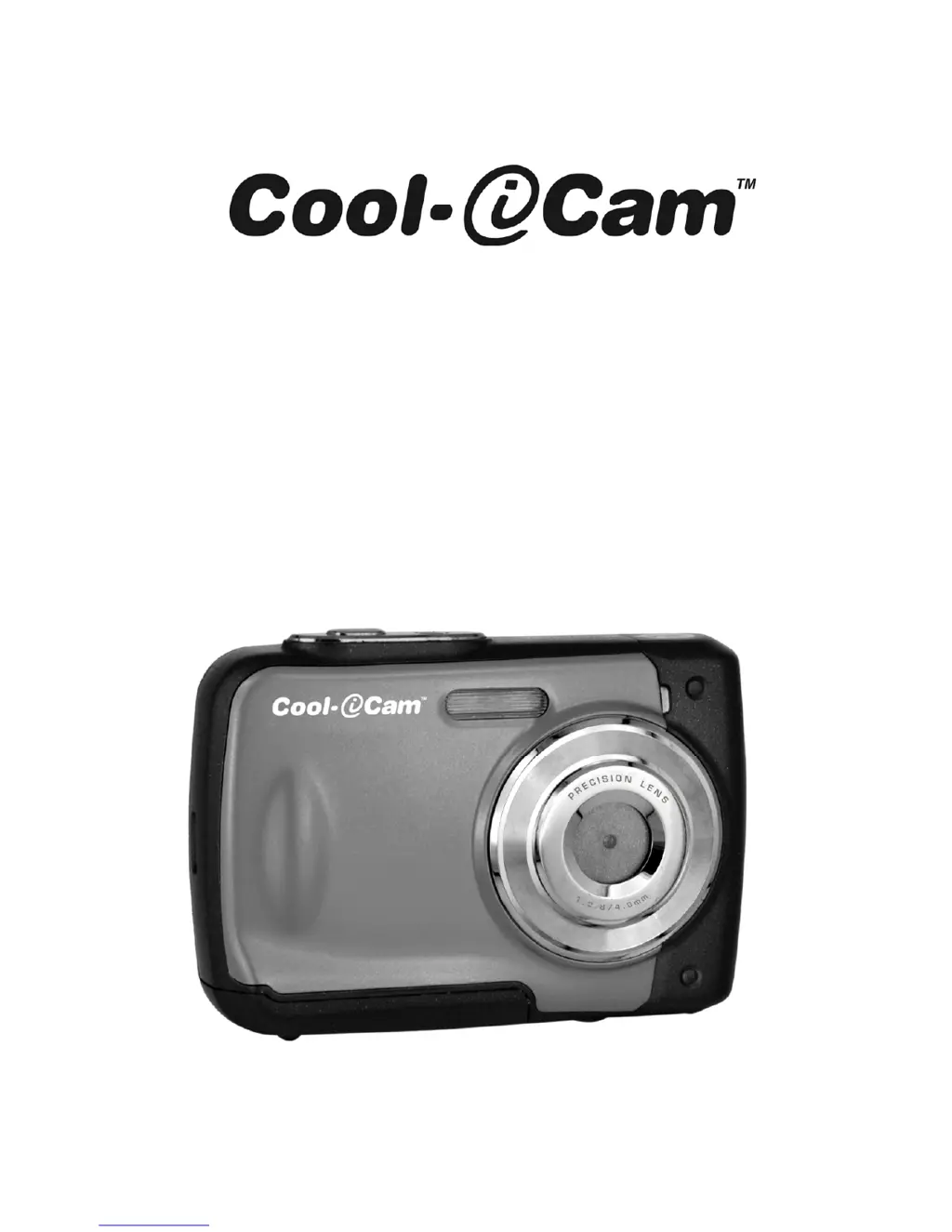
Cool-Icam S1000 - User Manual

Cool-Icam S1000
81 pages
Print Icon
To Next Page IconTo Next Page
Loading...
S1000 Quick User Manual

Table of Contents

Questions and Answers

Summary

Getting to Know Your Camera

Package Contents

Functional Parts Overview

Explanation of Status Icons

Camera Settings Details

Using the Camera

Installing Batteries

Instructions for installing the camera's AAA batteries correctly into the compartment.

Inserting Memory Card

Guide on how to insert a MicroSD card into the camera for storage.

Formatting MicroSD Memory Card

Steps to format the inserted MicroSD card for proper camera use.

Setting Image Resolution

Process for selecting and setting the desired image resolution for photographs.

Taking Photographs

Basic steps and adjustments for capturing still photographs with the camera.

Zoom Functionality

How to use the zoom function to magnify or reduce the image during shooting.

Self-Timer Settings

Instructions for using the self-timer function for delayed photo capture.

Recording Video Clips

Steps to start, pause, and stop recording video clips with the camera.

Playback Operations

How to view, navigate, and manage recorded photographs and video clips.

Protecting Photos and Videos

Method to prevent accidental deletion of photos and videos stored on the memory card.

Resizing Photographs

Procedure to resize captured images and save them as new files.

Playing Back Video Clips

Instructions for playing, pausing, fast forwarding, and rewinding video clips.

Deleting Photos and Videos

Steps to delete single or all photos and video clips from the memory card.

Connecting to a PC

Specifications

System Requirements

Troubleshooting

Cool-Icam S1000 Specifications

General IconGeneral
BrandCool-Icam
ModelS1000
CategoryDigital Camera
LanguageEnglish

Related product manuals