Need help?
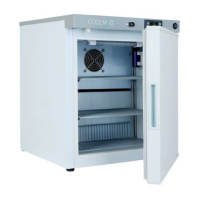
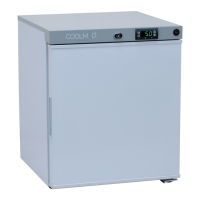
Do you have a question about the Coolmed CMS29 and is the answer not in the manual?
Explains the controls and indicators on the refrigerator's front panel for temperature setting and monitoring.
Lists and explains various error codes displayed by the appliance, indicating specific faults or conditions.
Details how the appliance alerts users to temperatures exceeding or falling below set thresholds.
Describes the alarm triggered when the internal temperature drops too low, indicating potential issues.
Explains the function and connection for remote alarming capabilities, for external monitoring.
Provides step-by-step instructions for cleaning the interior cavity and accessories of the appliance.
Details the recommended procedures for cleaning the exterior surfaces and rear components of the refrigerator.
Offers guidance on proper storage and cleaning when the appliance is to be kept out of use for extended periods.
 General
| Capacity | 29 Liters |
|---|---|
| Refrigerant | R600a |
| Color | White |
| Voltage | 220-240V |
| Frequency | 50Hz |

 To Next Page