18
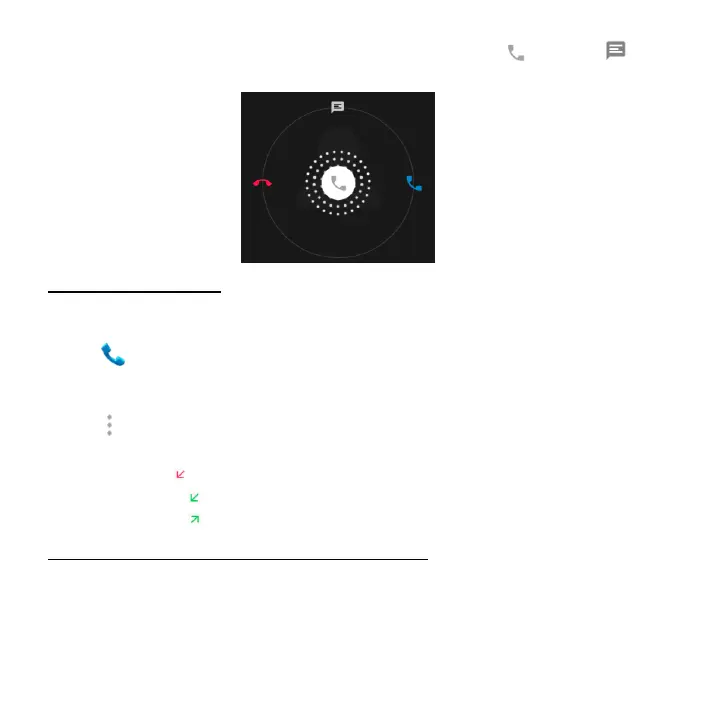
To reject the call and send an SMS message to the caller, slide towards
on the top.
Exploring the call log
The Call log contains your history of calls received, missed or made. It's an easy
way to redial a number, return a call or add a number to your contacts.
1. Tap to enter Phone screen.
2. Tap the Recents tab. You'll see a list of your most recent incoming and outgoing
calls.
3. Tap and then choose Call history to see more calls. Arrow icons beside a
call indicate the type of call, and multiple arrows indicate multiple calls:
Missed call
Incoming call
Outgoing call
You have the following options for Call History
1. Search call log
2. Clear Call log
3. Tap a number or contact, and then tap Details for more information about the
call.
4. Tap Call back to dial the number.



 To Next Page