21
Tap the icon on the left of a mail thread to select it.
After opening a mail, swipe to the left or right to read earlier or later mail
conversations.
Tap at the top of your phone screen to manage your mails.
On the Email screen, you can tap > Settings to add a new email account.
On the Email settings screen, tap an email account and customize your Email
settings.
Calendar
On the Home screen, tap > to enter
Calendar screen.
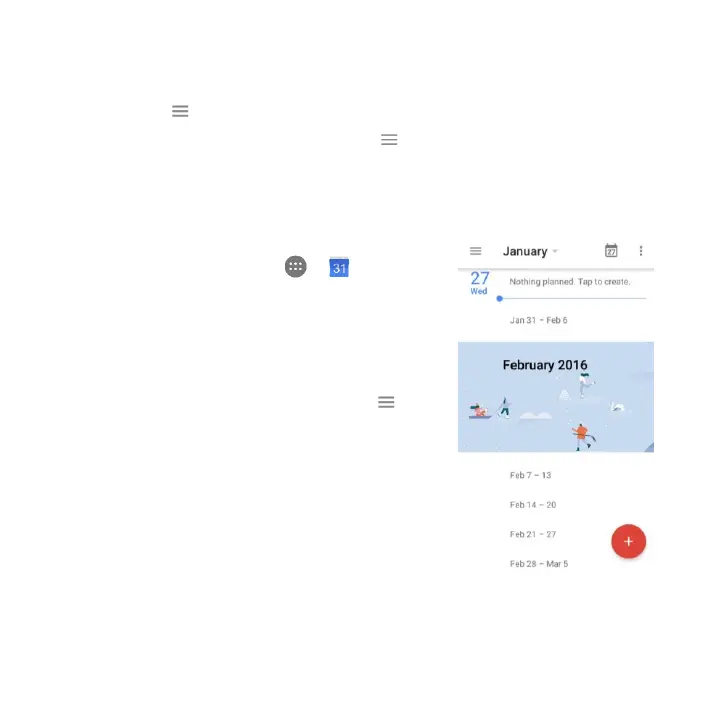
If you have synced your Gmail account, the
first time you open the Calendar app on
your phone; it will show your current
calendar events.
To modify the Calendar view, tap and
choose Schedule, Day, 3 Day, Week or
Month from the top of the Calendar screen.
View or edit event details by tapping an
Event.


 To Next Page