25
Customizing Display, Alarm, and Charging Current Settings
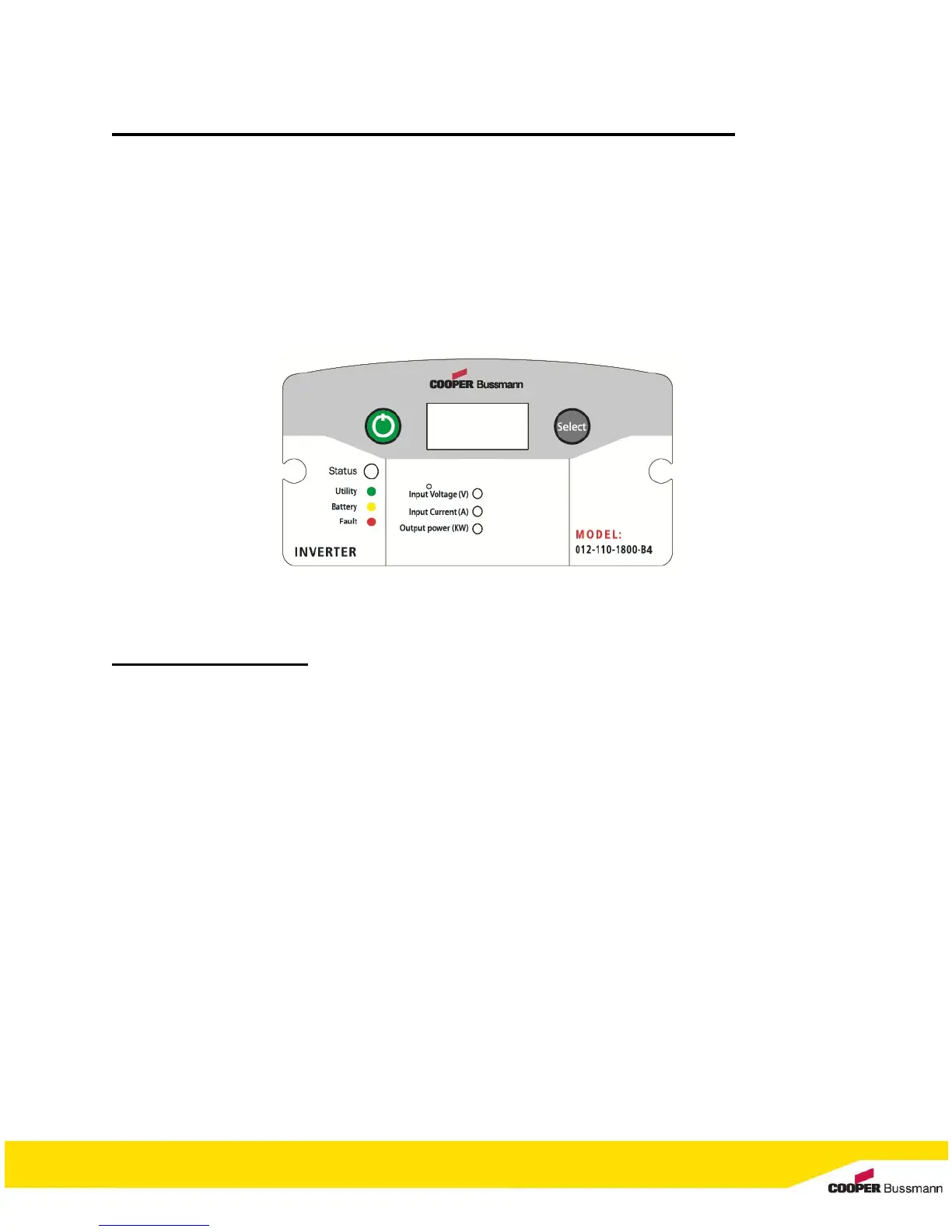
The display panel is capable of adjusting the following:
What is presently displayed on the screen
Enable/Disable the audible alarm
Modifying the charging current
To change display:
By default, the screen will display the input voltage in [Volts] and the “Input Voltage (V)” LED indicator
will be illuminated.
1. Press the Select button once. Screen display the DC input current in [Amperes] and the “Input
Current (A)” LED indicator will illuminate.
2. Press the Select button once more. Screen display the AC output power in [kilowatts] and the
“Output power (KW)” LED indicator will illuminate.
3. Press the Select button once more (third time). Screen display the DC input voltage in [Volts]
and the “Input Voltage (V)” LED indicator will illuminate.


 To Next Page