8
5.
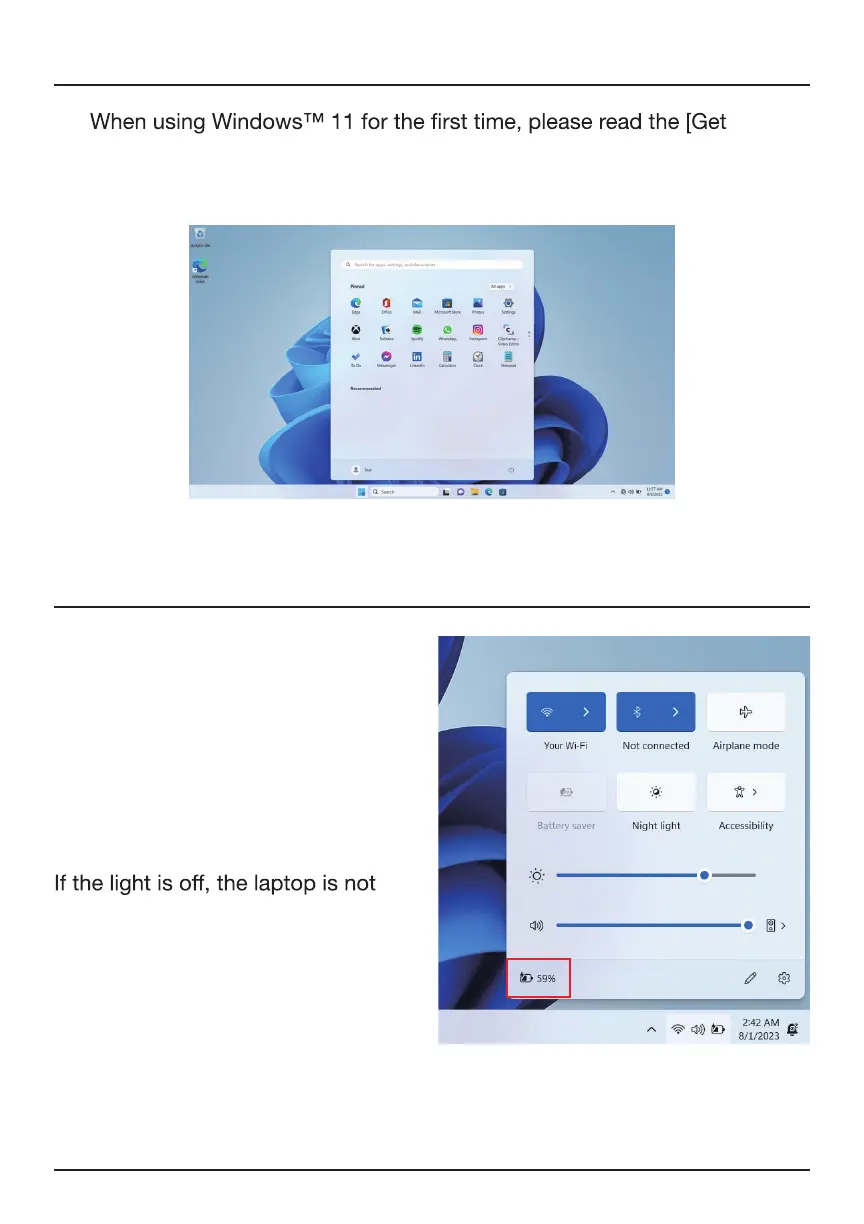
Started] guide in the Start menu. It can help you master various features
of Windows™ 11 quickly.
When your device is running low
on power, a low battery warning
will pop up. Please charge the
computer in time, otherwise, it will
automatically go to sleep. Connect
to the power adapter, and the
charging indicator light will glow,
indicating the device is charging.
charging or is fully charged. The
battery charges faster when the
computer is shut down or goes to
sleep.
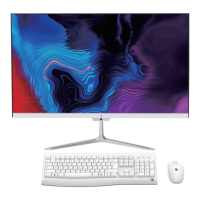
Click the battery icon in the taskbar
in the bottom right of the desktop to
check the battery level.
Getting Started
Charging and Power Management


 To Next Page