12
OPERATION (Continued)
Table 1. Adjustment (Continued)
Item Ad
ustment
button
Function
(MAIN MENU)
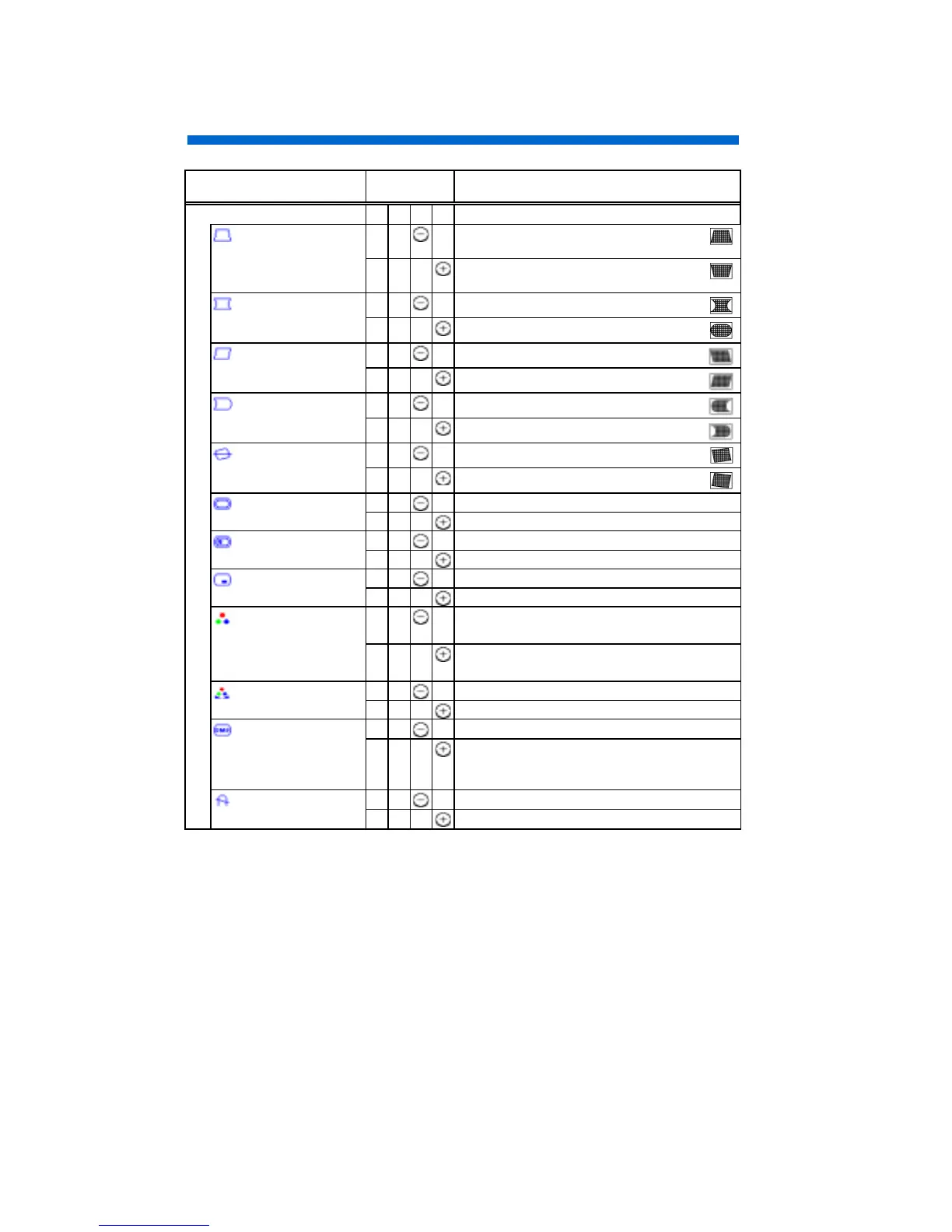
TRAPEZOID
shrinks the top side, and expands the
bottom side.
expands the top side, and shrinks the
bottom side.
PINCUSHION
curves the left/right sides inward.
curves the left/right sides outwards.
PARALLELOGRAM
tilt to the left.
tilt to the right.
PIN. BALANCE
curves the left/right sides to the left.
curves the left/right sides to the right.
ROTATION
rotates counter clockwise.
rotates clockwise.
SCREEN MENU ?
(unavailable)
calls “SCREEN MENU”.
RECALL MENU ?
(unavailable)
calls “RECALL MENU”.
OSD MENU ?
(unavailable)
calls “OSD MENU”.
COLOR SELECT
changes the color to the previous mode.
DMSUSER500065009300DMS
changes the color to the next mode.
DMS930065005000 USERDMS
COLOR MENU ?
(unavailable)
calls “COLOR MENU”.
DMS
cancels the DMS mode. (NO)
set the DMS mode. (YES)
It increases the brightness for dynamic
motion picture system.
DEGAUSS
(unavailable) (NO)
executes degaussing. (YES)
(To be continued on the next page.)


 To Next Page