Standard Recommended Procedure 003-1069-AEN | Issue 1 | July 2019 | Page 6 of 6
Corning Optical Communications LLC • PO Box 489 • Hickory, NC 28603-0489 USA
800-743-2675 • FAX: 828-325-5060 • International: +1-828-901-5000 • www.corning.com/opcomm
Corning Optical Communications reserves the right to improve, enhance, and modify the features and specications of Corning Optical Communications products without
prior notication. A complete listing of the trademarks of Corning Optical Communications is available at www.corning.com/opcomm/trademarks. All other trademarks are
the properties of their respective owners. Corning Optical Communications is ISO 9001 certied. © 2019 Corning Optical Communications. All rights reserved.
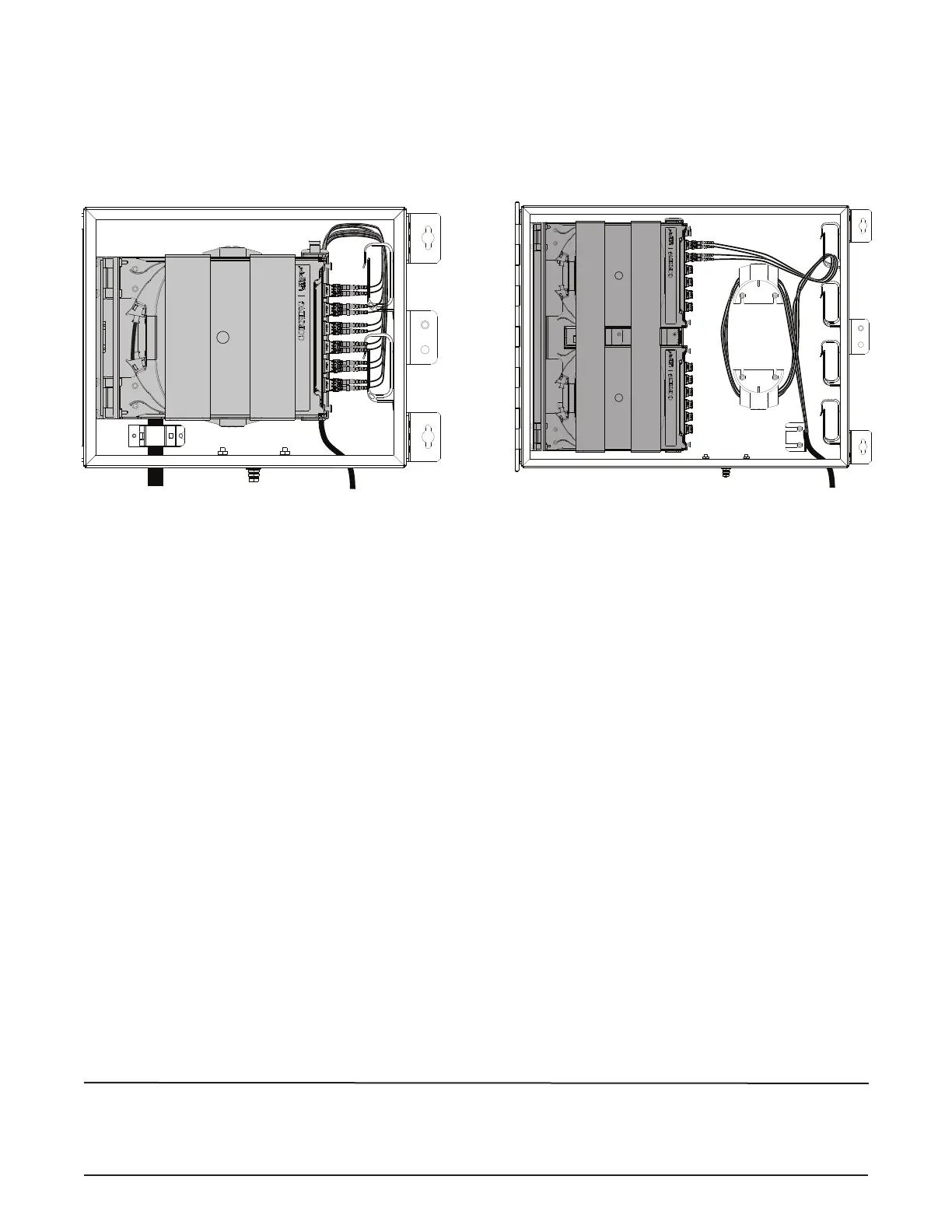
9.3 Route Drop Cable
Step 1: If installing an ICH-06P housing, route drop cable legs around the routing guides.
Step 2: Route connectorized legs through the routing clips in the side of the housing.
Step 3: Remove dust caps, clean, and mate connectors.
10. Finalize Installation
Step 1: Record ber identication on the label in a logical way and attach to inside of the front door.
Step 2: Attach laser warning label where it can easily be seen inside the housing.
Step 3: Close door with a 216B tool (can wrench).
Step 4: Use a pad lock to secure housing.
ICH-06P
TPA-6597


 To Previous Page
 Loading...