EasyManua.ls Logo

CORONA 3 - Paper Table Extension Arms; Operating Shift Keys; Starting a New Line; Backspace Key Usage

CORONA 3
20 pages
Print Icon
To Next Page IconTo Next Page
To Previous Page IconTo Previous Page
Loading...
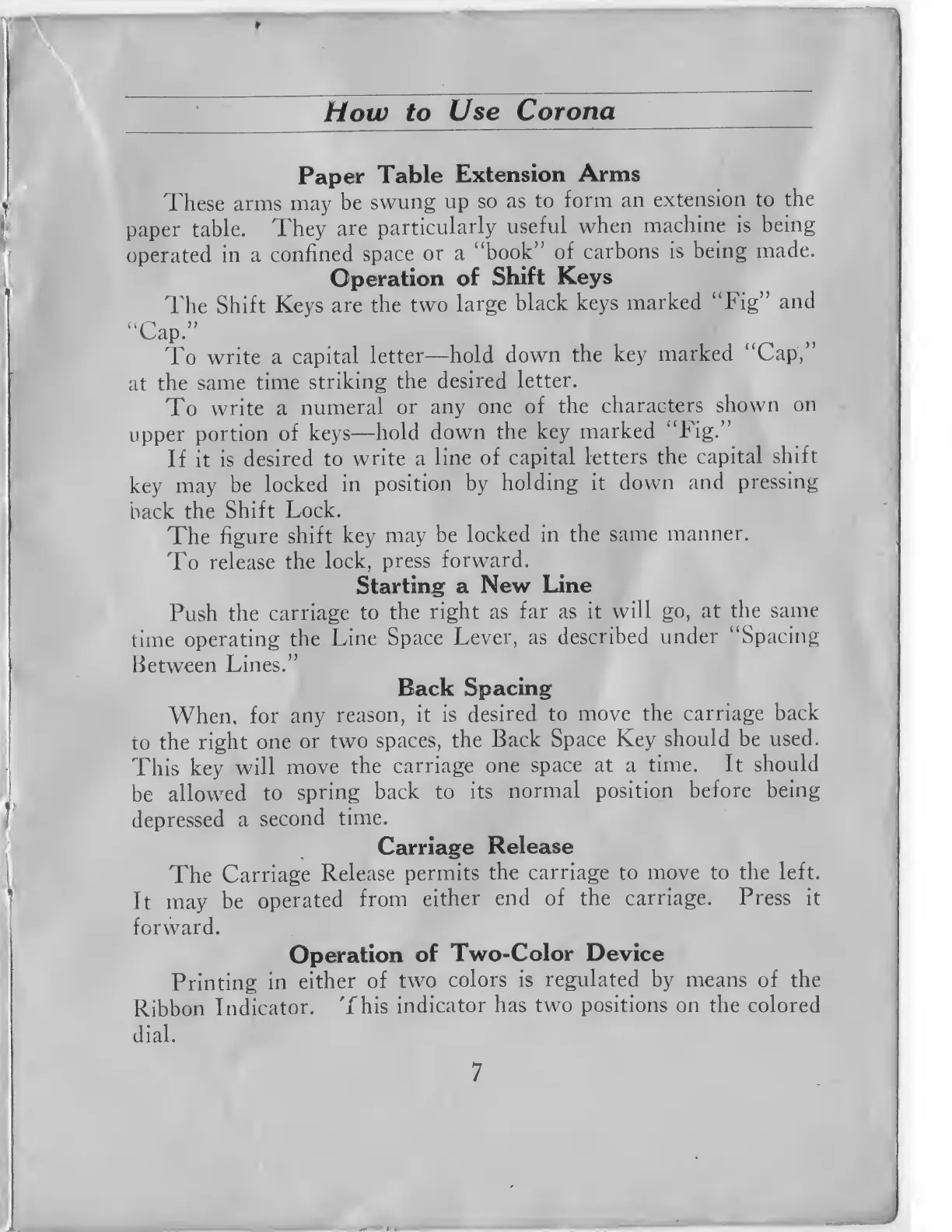
Paper
Table
Extension
Arms
These
arms
may
be
swung
up
so as
to
form
an
extension
to
the
paper table.
They
are
particularly
useful
when
machine is
being
operated
in a
confined
space
or a
"book"
of
carbons
is
being
made.
Operation
of
Shift
Keys
The
Shift
Keys
are the
two
large
black
keys
marked "Fig"
and
"Cap."
To
write a
capital
letter
hold
down
the
key
marked
"Cap,"
at
the
same
time
striking
the
desired
letter.
To
write a
numeral
or
any
one of
the
characters
shown
on
upper
portion
of
keys
hold
down
the key
marked
"Fig."
If it
is
desired
to
write
a
line of
capital
letters
the
capital
shift
key
may
be
locked
in
position
by
holding it
down
and
pressing
back
the
Shift
Lock.
The
figure
shift
key
may
be
locked in
the
same
manner.
To
release
the
lock,
press
forward.
Starting a
New
Line
Push the
carriage
to
the
right as
far as it
will go, at
the
same
time
operating
the
Line
Space
Lever,
as
described
under
"Spacing
Between
Lines."
Back
Spacing
When,
for
any
reason,
it is
desired
to
move the
carriage
back
to
the
right
one
or two
spaces, the
Back Space
Key
should be
used.
This key
will
move
the
carriage
one
space
at a
time. It should
be
allowed
to
spring
back
to
its
normal position
before
being
depressed
a
second
time.
Carriage
Release
The
Carriage
Release
permits
the
carriage
to move to
the left.
It
may
be
operated
from
either
end of the
carriage. Press it
forward.
Operation
of
Two-Color Device
Printing
in
either
of
two
colors
is
regulated
by means
of the
Ribbon
Indicator.
This
indicator
has two
positions
on the colored
dial.