Need help?
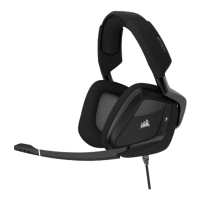
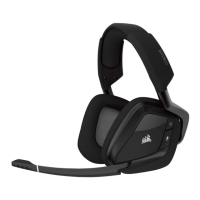
Do you have a question about the Corsair Gaming VOID Wireless and is the answer not in the manual?
Instructions for connecting the wireless USB adapter to your PC.
Information on charging the headset and battery status indicators.
Details on charging while the headset is on and battery status.
Guide to downloading and using the CUE software for advanced features.
Advice for wireless performance, battery life, and audio quality.
Guidance on fitting the headset and adjusting volume levels.
 General
| Connection Type | Wireless |
|---|---|
| Frequency Response | 20Hz - 20kHz |
| Battery Life | Up to 16 hours |
| Compatibility | PC |
| Headset Type | Over-ear |
| Wireless Range | Up to 40 feet |
| Impedance | 32 Ohms @ 1kHz |
| Microphone Frequency Response | 100Hz - 10kHz |
| Microphone Impedance | 2.2k Ohms |
| Microphone Sensitivity | -38dB (+/- 3dB) |
| Connection | USB |
| Sensitivity | 107dB (+/-3dB) |
| Drivers | 50mm |
| Weight | 390g |
| Microphone Type | Unidirectional |
| Surround Sound | 7.1 |

 To Next Page