A
B
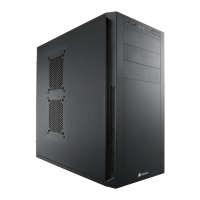
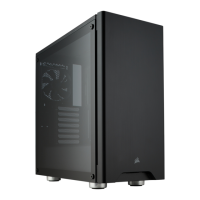
> To remove the front panel dust filter, first remove the
solid front panel by pushing the top corners of the aluminum cover.
> The front solid panel will pop out for access to the front dust filter.
> To remove the bottom dust filter, first locate the pull out tab underneath the PSU, then
pull the bottom dust filter out.
Removing the front and bottom dust filters





 To Next Page