ENGLISH
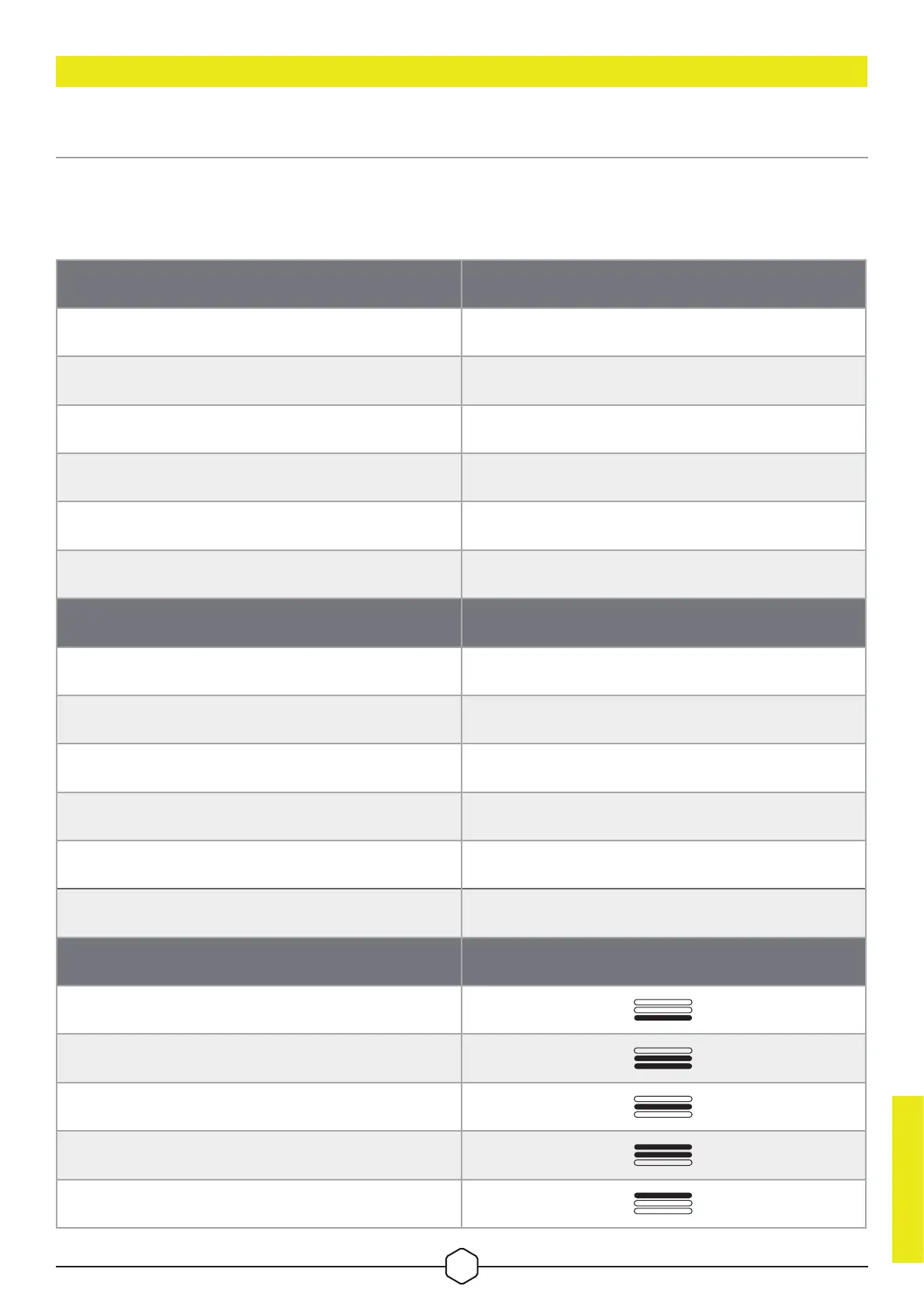
MOUSE STATUS, DPI SETTINGS AND INDICATIONS
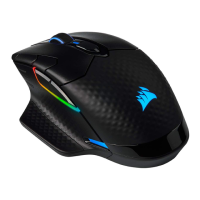
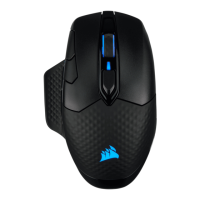
Wireless connection and battery status are communicated through BATTERY & WIRELESS STATUS LED
INDICATOR (C). The mouse comes preloaded with common competitive DPI settings which can be selected by
pressing the DPI Up (H) or DPI Down button (I) with DPI stage LED indicator (P) backlighting to reect the
current stage.
BATTERY STATUS BATTERY & WIRELESS STATUS LED INDICATOR
Battery charging Pulsing green
Battery critical, recharge required Pulsing red
Battery low, recharge soon Blinking red
Battery medium Blinking amber
Battery high Blinking green
Battery charged Green
WIRELESS STATUS
2.4GHz wireless mode – pairing Blinking white
2.4GHz wireless mode – paired White
2.4GHz wireless mode – pairing failed Pulsing white
BT wireless mode – pairing Blinking blue
BT wireless mode – paired Blue
BT wireless mode – pairing failed Pulsing blue
DPI STAGE STATUS DPI STAGE LED INDICATOR
Stage #1 – 400 DPI
Stage #2 – 800 DPI
Stage #3 – 1200 DPI
Stage #4 – 1600 DPI
Stage #5 – 3200 DPI
ENGLISH
3






 To Next Page