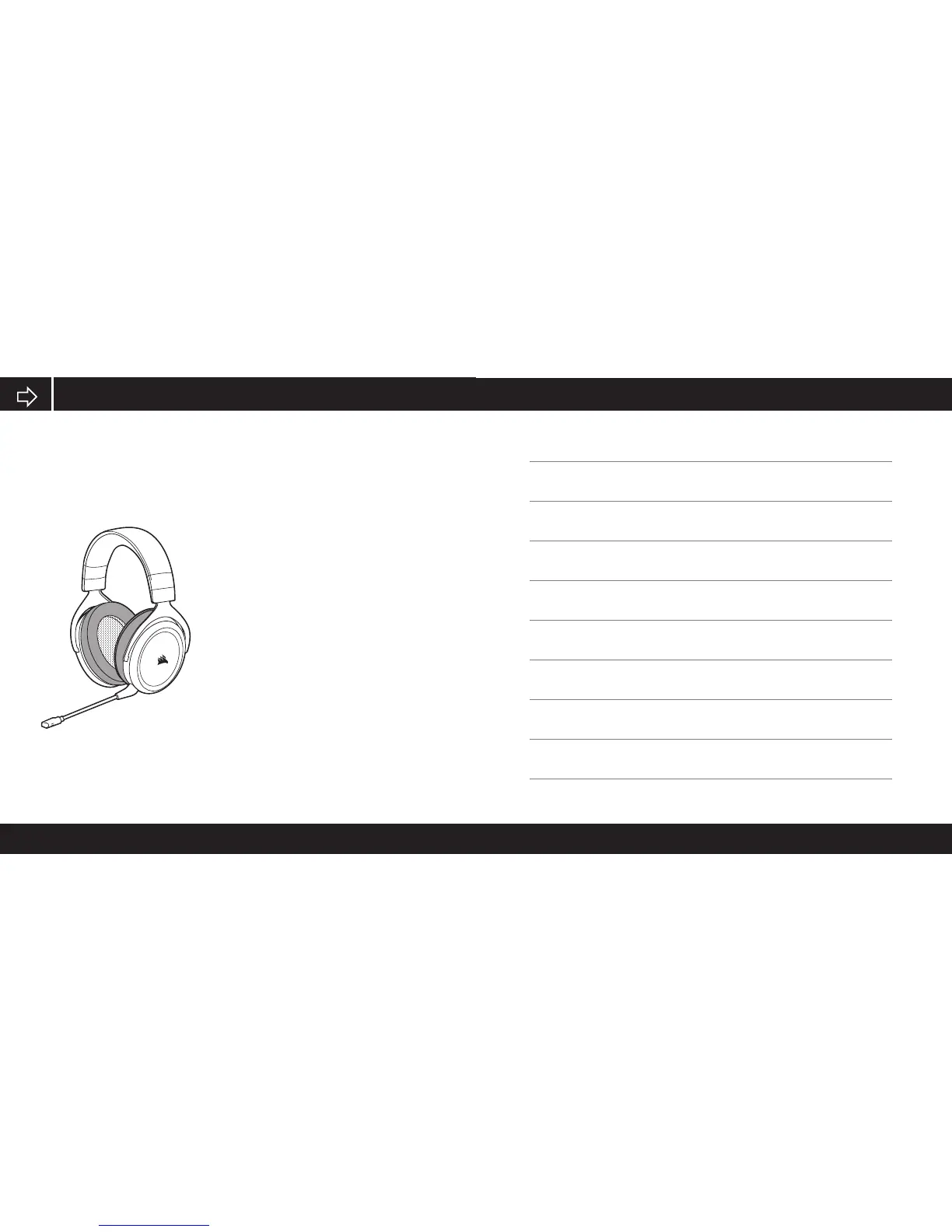
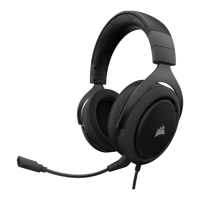
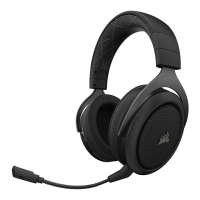
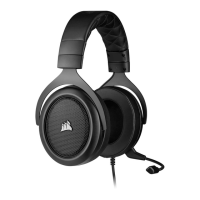
Your new HS50 Headset features
a detachable high performance
“unidirectional” microphone designed
to reject noise other than your voice,
but it must be pointed directly at your
mouth to function correctly.
• Bend the flexible microphone boom to best
fit near to the left corner of your mouth.
• The microphone should be about
1.5 inches / 4cm away from your mouth for
best performance.
• We’ve found that about a 30 degree bend
is a good place to start, but feel free to
increase or decrease this if your mic is too
loud or too soft.
HS50 MICROPHONE



 To Next Page