
 Need help?
Do you have a question about the Corsair HS55 and is the answer not in the manual?
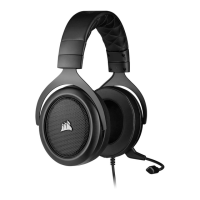
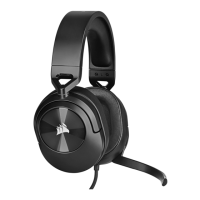
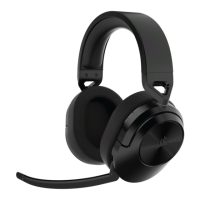
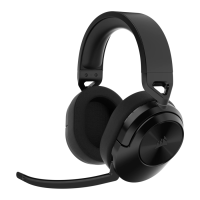
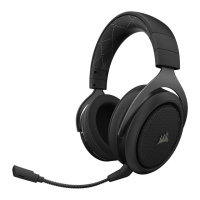
Identifies the main headset unit included in the package.
Identifies the wireless dongle for PC/console connectivity.
Identifies the cable used to charge the headset.
Locates and names the button to mute the microphone.
Identifies the control for adjusting volume and EQ presets.
Locates the port for connecting the charging cable.
Identifies the primary button for Bluetooth operations.
Indicates the location of the LED showing headset status.
Locates the button used to turn the headset on/off.
Identifies the LED on the receiver indicating pairing status.
Instructions for connecting the headset to a PC via USB receiver.
Instructions for connecting the headset to PS4/PS5 via USB receiver.
Steps to connect the headset to a power source for charging.
Information regarding battery memory effect and USB port requirements.
Explains the meaning of the LED colors indicating battery level.
Explains the meaning of the LED colors on the USB receiver.
 General
| Driver Size | 50mm |
|---|---|
| Frequency Response | 20Hz - 20kHz |
| Impedance | 32 Ohms @ 1 kHz |
| Microphone Type | Omnidirectional |
| Connection Type | 3.5mm Analog |
| Weight | 273g |
| Product Type | Gaming Headset |
| Audio CUE Software | No |
| Surround Sound | No |
| Detachable Microphone | No |
| Sensitivity | 114dB (+/-3dB) |
| Microphone Impedance | 2.2k Ohms |
| Microphone Frequency Response | 100Hz - 10kHz |
| Cable Length | 1.8m |
| Compatibility | PC, PS4, PS5, Xbox Series X, Nintendo Switch, Mobile |


 To Next Page