1 2
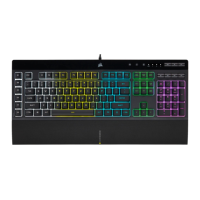
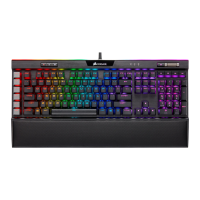
The K55 RGB is your fi rst step towards enhanced
performance. Stay one step ahead with 6
dedicated on-the-fl y programmable macro
keys. Multi-key anti-ghosting ensures your
simultaneous keypress combos are executed
the way you wanted. The dedicated volume and
media playback buttons enable control of all
of your media without interrupting the game.
RGB backlighting and intuitive lighting modes
provide expressive lighting options, all under
your control. Quiet, responsive keys provide a
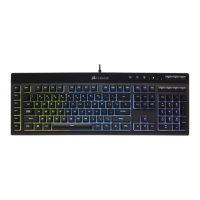
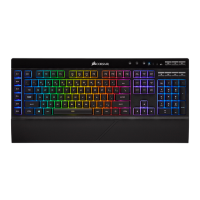
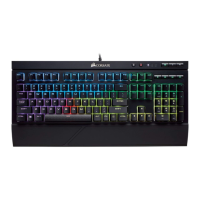
satisfying feel. The K55 RGB gaming keyboard
comes with a detachable soft rubber wrist rest
to ensure additional comfort during marathon
gaming sessions.
CONGRATULATIONS!
M
G
E
F
H
J
I
LK
D
C
B
A
SETTING UP YOUR KEYBOARD
> Turn on your computer > Connect the keyboard to a USB 2.0 or
USB 3.0 port
GETTING TO KNOW YOUR KEYBOARD
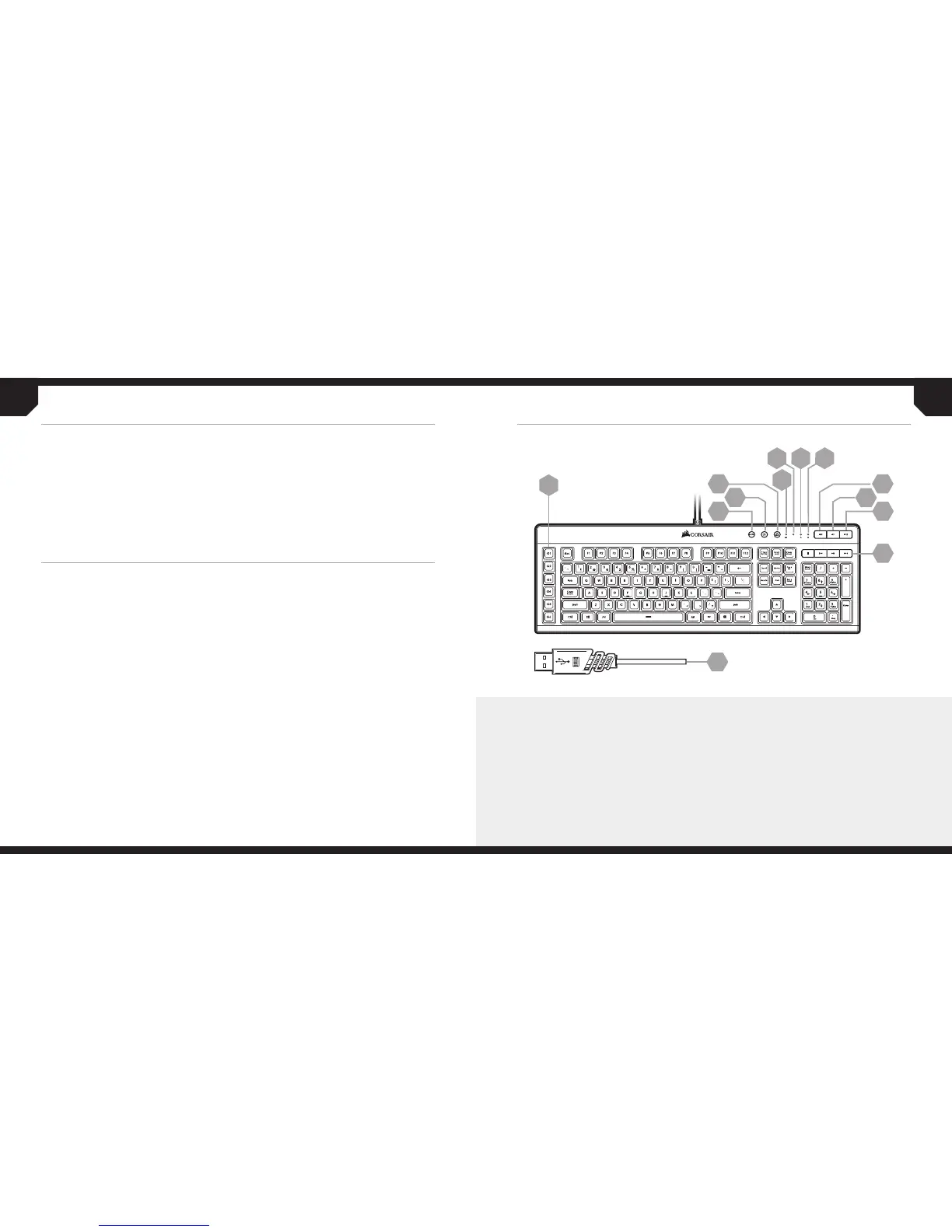
A — SIX PROGRAMMABLE MACRO KEYS
B — MACRO RECORD KEY
C — BACKLIGHT BRIGHTNESS KEY
D — WINDOWS KEY DISABLE
E — MUTE KEY
F — VOLUME DOWN KEY
G — VOLUME UP KEY
H — DEDICATED MULTIMEDIA KEYS
I — MACRO STATUS LED INDICATOR
J — NUM LOCK LED INDICATOR
K — CAPS LOCK LED INDICATOR
L — WINLOCK KEY DISABLE LED INDICATOR
M — USB CONNECTION CABLE




 To Next Page