In the main menu, slide to select "Camera" and click to enter, you can enter the preview interface,
click the left button to take a picture, the right button to enter the image viewer.
2.3 Photos
In the main menu, slide to select “Photos” and click to enter, you can view the saved photos.
2.4 Video
In the main menu, slide to select "Video" and click to enter, you can enter the preview interface, click
the left button to start recording, the right button to enter the video player.
2.5 Player
In the main menu, slide to select "Player" and click to enter. After entering, a list of recorded videos
will be displayed, select and click to play.
2.6. Music
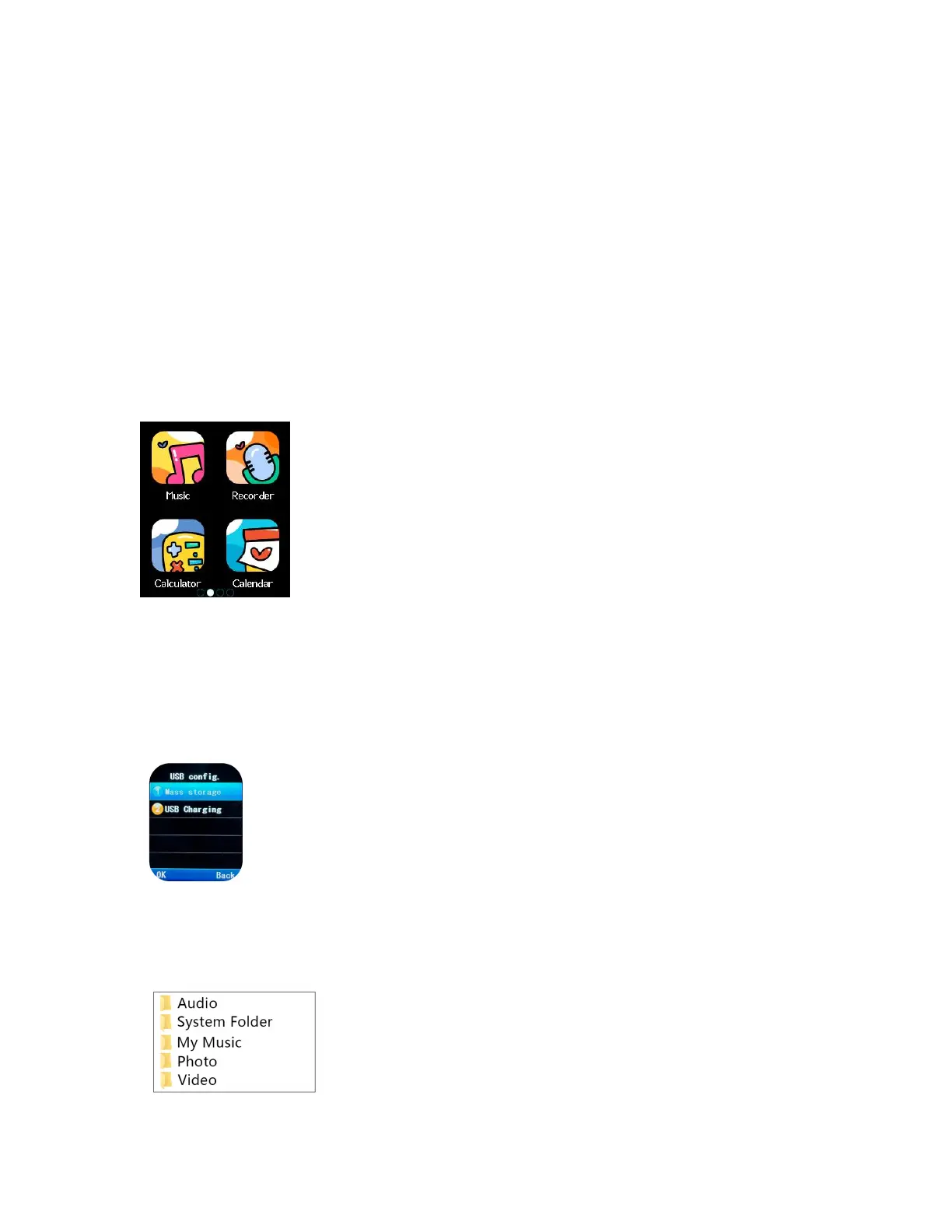
Swipe to select music in the main menu, and click to enter, you can play the downloaded stored music.
Note: download *.mp3 format music files to the SD card’s sub-folder /My Music.
How to download Music?
1. After the watch is connected to the computer, the figure shows the phone interface.
2. Select mass storage. At the same time, the computer screen will display the disk icon, indicating
that the PC has detected the SD card and is automatically installing the watch driver. Open the disk,
you can see that there is music folders in it (As shown in Figure 2):


 To Next Page
 Loading...