2.7 Recorder
In the main menu, slide to select "Recorder" and click to enter, you can record.
Note: the recorded audio files will be stored in the SD card’s sub-folder /audio.
2.8 Calculator
In the main menu, slide to select "Calculator" and click to enter,you can calculate.
2.9 Calendar
In the main menu, swipe to select the calendar, click to enter, you can view the calendar.
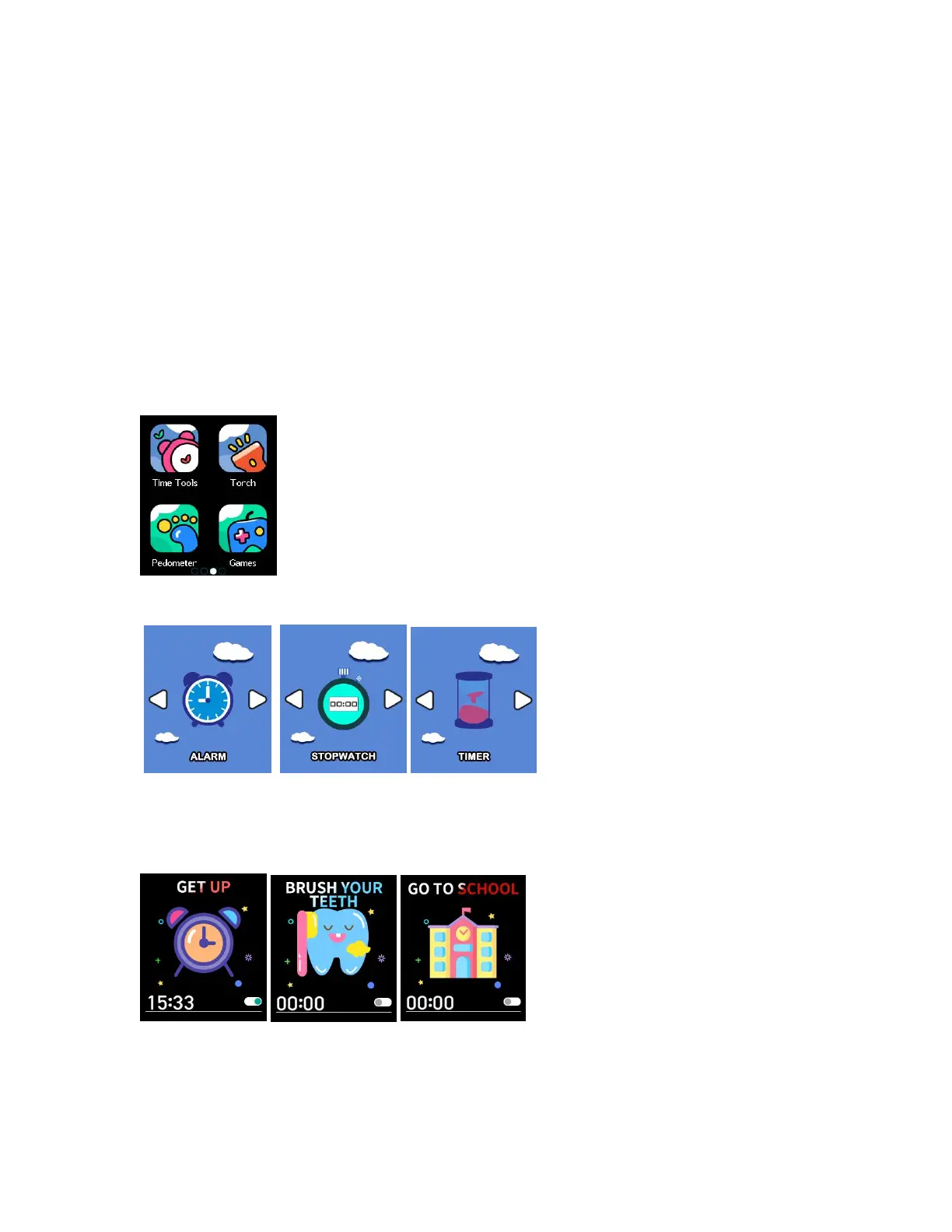
2.10 Time Tools
In the main menu, slide to select "Time Tools" and click to enter, you can set the alarm, stopwatch and
timer.
◆Alarm
Slide to select “alarm” and click to enter. Click the time on the left to enter the interface for
setting the alarm time, swipe up or down to select the time, and press OK to set it.



 To Next Page