EasyManua.ls Logo

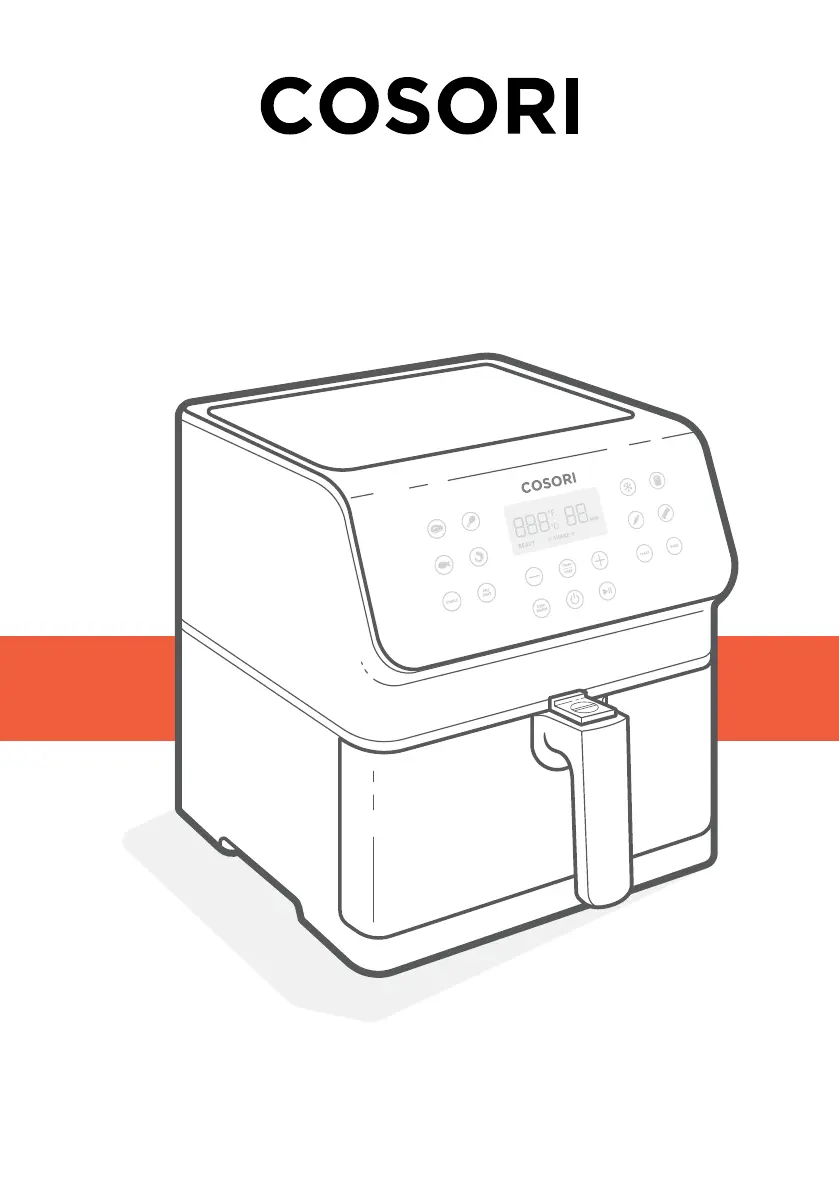
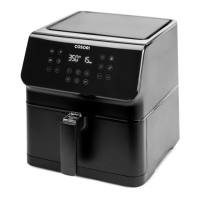
Cosori CS358-AF Series - User Manual

Cosori CS358-AF Series
15 pages
Print Icon
To Next Page IconTo Next Page
Loading...
Model: CS358-AF Series
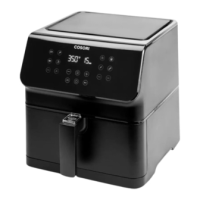
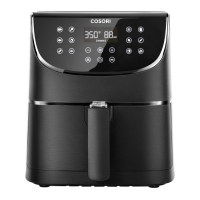
Smart 5.8-Quart Air Fryer
User Manual
Questions or Concerns?
Mon–Fri, 9:00 am–5:00 pm PST/PDT
support@cosori.com | (888) 402-1684

Questions and Answers

  • M
    millerseanAug 14, 2025
    Why is dark smoke coming out of my Cosori CS358-AF?
    • A
      Amy LiuAug 14, 2025
      Dark smoke coming from your Cosori Fryer usually means that food is burning or there is a circuit problem. Immediately unplug the air fryer. Wait for the smoke to clear before pulling the baskets out. If the cause was not burnt food, contact Customer Support.
  • D
    Dawn HernandezAug 18, 2025
    What to do if my Cosori Fryer won't turn on?
    • P
      Patricia SmithAug 18, 2025
      If your Cosori Fryer isn't turning on, make sure it is properly plugged into a working outlet. Also, ensure that the baskets are securely pushed into the air fryer.
  • F
    Fred JonesAug 21, 2025
    How to make food crispy in Cosori CS358-AF Fryer?
    • A
      Austin ReedAug 21, 2025
      To increase crispiness in your Cosori Fryer, spray or brush a small amount of oil on the food.
  • N
    Nicole TranAug 25, 2025
    Why does my Cosori Fryer have a plastic smell?
    • A
      arellanoashleyAug 26, 2025
      A plastic smell from your Cosori Fryer is normal due to the manufacturing process. Follow the instructions for a test run to get rid of the plastic smell. If the smell persists, contact Customer Support.
  • A
    Anne LeeAug 28, 2025
    Why is my food not completely cooked in the Cosori CS358-AF Fryer?
    • K
      Kristen GarciaAug 28, 2025
      If your food is not completely cooked in the Cosori Fryer, it might be due to an overstuffed basket. Place smaller batches of food into the inner basket. Also, consider increasing the cooking temperature or time.
  • R
    raymond36Sep 1, 2025
    Why is my food cooked unevenly in Cosori CS358-AF?
    • D
      Dale RodriguezSep 1, 2025
      If your food is cooked unevenly in the Cosori Fryer, it may be because foods are stacked or too close together. Shake or flip the food during cooking.
  • X
    xhernandezSep 5, 2025
    Why is my Cosori CS358-AF display showing error code E3?
    • H
      harrisshawnSep 5, 2025
      If the display of your Cosori Fryer shows error code “E3”, the air fryer’s overheat protection has activated. Turn off and unplug the air fryer and allow it to cool completely. If the display continues to show “E3”, contact Customer Support.
  • J
    Jessica KempSep 9, 2025
    Why is my Cosori CS358-AF display showing error code E4?
    • D
      david82Sep 9, 2025
      If your Cosori Fryer display shows error code “E4”, the air fryer has been plugged into a 220–240V outlet. Unplug the air fryer and only use it with 120V, 60Hz outlets.

Summary

Important Safeguards

General Safety

Covers essential safety precautions for using the air fryer, including immersion and supervision guidelines.

While Air Frying

Details safety measures during air frying, emphasizing not to fill baskets with oil or use improper materials.

Plug & Cord Safety

Provides instructions for safe use of the power cord and plug, including polarized plug usage.

Electromagnetic Fields (EMF)

States compliance with EMF standards and safe usage based on scientific evidence.

Getting to Know Your Smart Air Fryer

Air Fryer Diagram

Illustrates and labels the components of the COSORI Smart Air Fryer for user familiarization.

Display Diagram and Messages

Control Panel Overview

Details the functions of the air fryer's control panel buttons and display.

Display Messages

Explains the various messages displayed on the air fryer during operation.

Before First Use

Setting Up Your Air Fryer

Provides step-by-step instructions for the initial setup and preparation of the air fryer.

Performing a Test Run

Guides users through a test run to familiarize with operation and clean potential residues.

Basket Tips and VeSync Setup

Basket Handling and Care

Offers tips on handling the air fryer baskets, including cleaning and the rubber stopper.

VeSync App Setup

Instructions for downloading and setting up the VeSync app for smart air fryer functionality.

Using Your Smart Air Fryer

Preheating Your Air Fryer

Recommends preheating for optimal cooking results and provides temperature/time guidelines.

Air Frying Guide

Details the process of air frying, including safety notes and how to use presets.

Preset Settings

Explains how to use, customize, and reset built-in cooking presets for various foods.

Food Handling and Cooking Advice

Shaking Food Instructions

Provides guidance on shaking or flipping food for even cooking and crispiness.

Cooking Guide Details

Offers tips on overfilling, using oil, general food preparation, and specific advice for French fries.

Advanced Functions and App Features

More Air Fryer Functions

Covers additional functions like unit switching, auto shutoff, overheat protection, and pausing.

VeSync App Smart Features

Details smart capabilities via the VeSync app, including remote control and custom recipes.

Maintenance and Troubleshooting

Care and Maintenance

Provides instructions for cleaning the air fryer baskets and interior components.

Troubleshooting Common Issues

Offers solutions for common problems like the air fryer not turning on or food cooking unevenly.

Regulatory Information and Support

Troubleshooting Error Codes

Lists specific error codes (E1-E4) and their potential causes and solutions.

FCC Statement and Compliance

Details FCC compliance, interference guidelines, and radiation exposure statements.

Warranty and Customer Assistance

Limited One-Year Warranty

Outlines the terms, conditions, and exclusions of the product's one-year warranty.

Customer Support Contact

Provides contact information for customer support regarding questions or concerns.

Cosori CS358-AF Series Specifications

General IconGeneral
BrandCosori
ModelCS358-AF Series
CategoryFryer
LanguageEnglish

Related product manuals