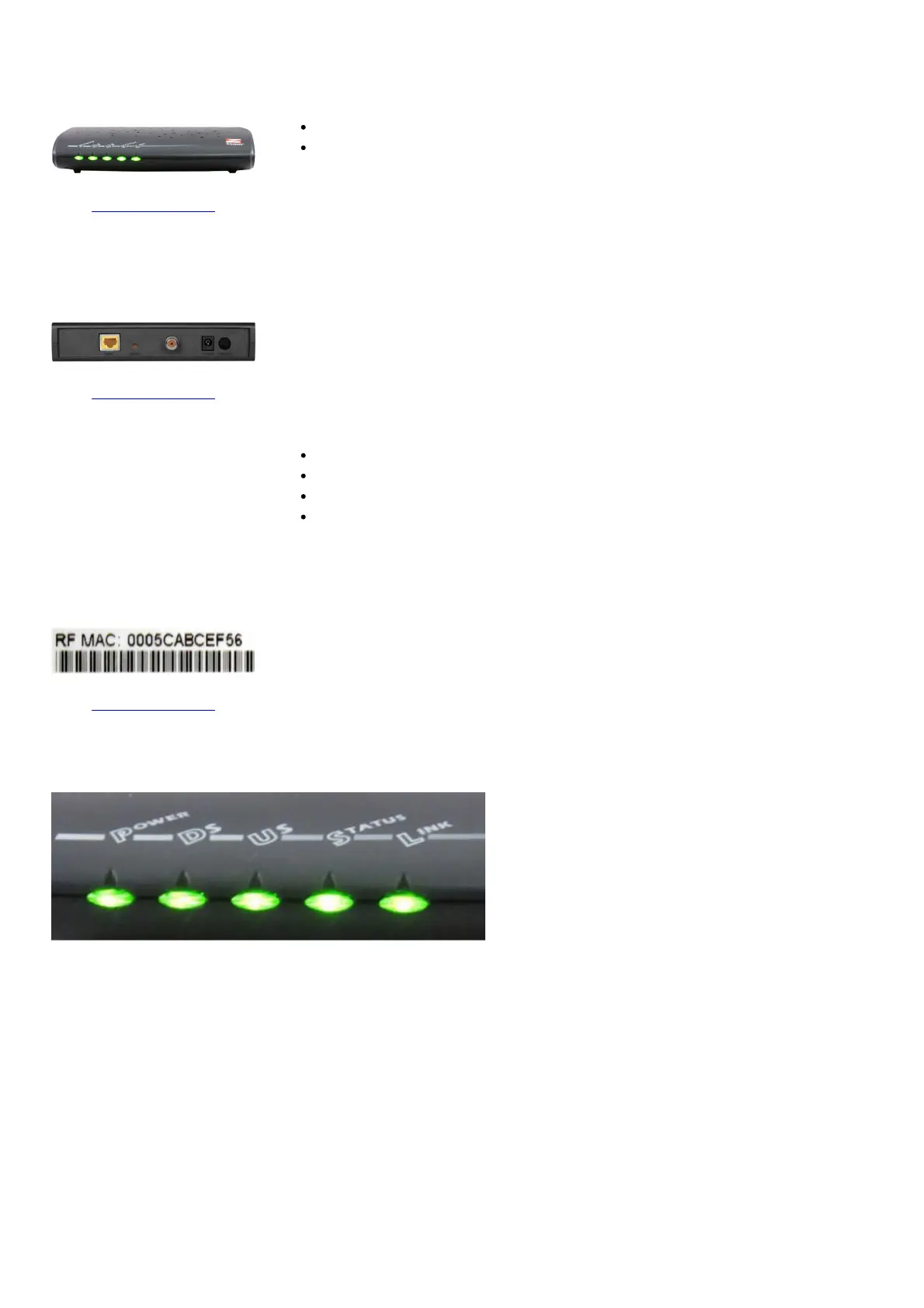
Front View
Click to enlarge.
The highest service level is based on wired connectivity speeds.
After the cable modem is successfully registered on the network, the POWER
and STATUS indicators illuminate continuously to indicate that the cable
modem is online and fully operational.
Back View
Click to enlarge.
The Zoom 5341 has the following ports available on the back of the modem:
POWER – Connects the cable modem to the power adapter
CATV – Connects to the cable wall outlet
RESET – Resets the device
ETH – Connects to the Ethernet port on your computer or home network
MAC Address
Click to enlarge.
MAC addresses are written as 12 digits containing both letters and numbers (0-9, A-
F). A MAC address is unique. The first six characters of the MAC address are unique
to the manufacturer of the device.
Troubleshooting
The lights indicate the current status of your modem. To troubleshoot any connection problems, use the table below.



 To Next Page