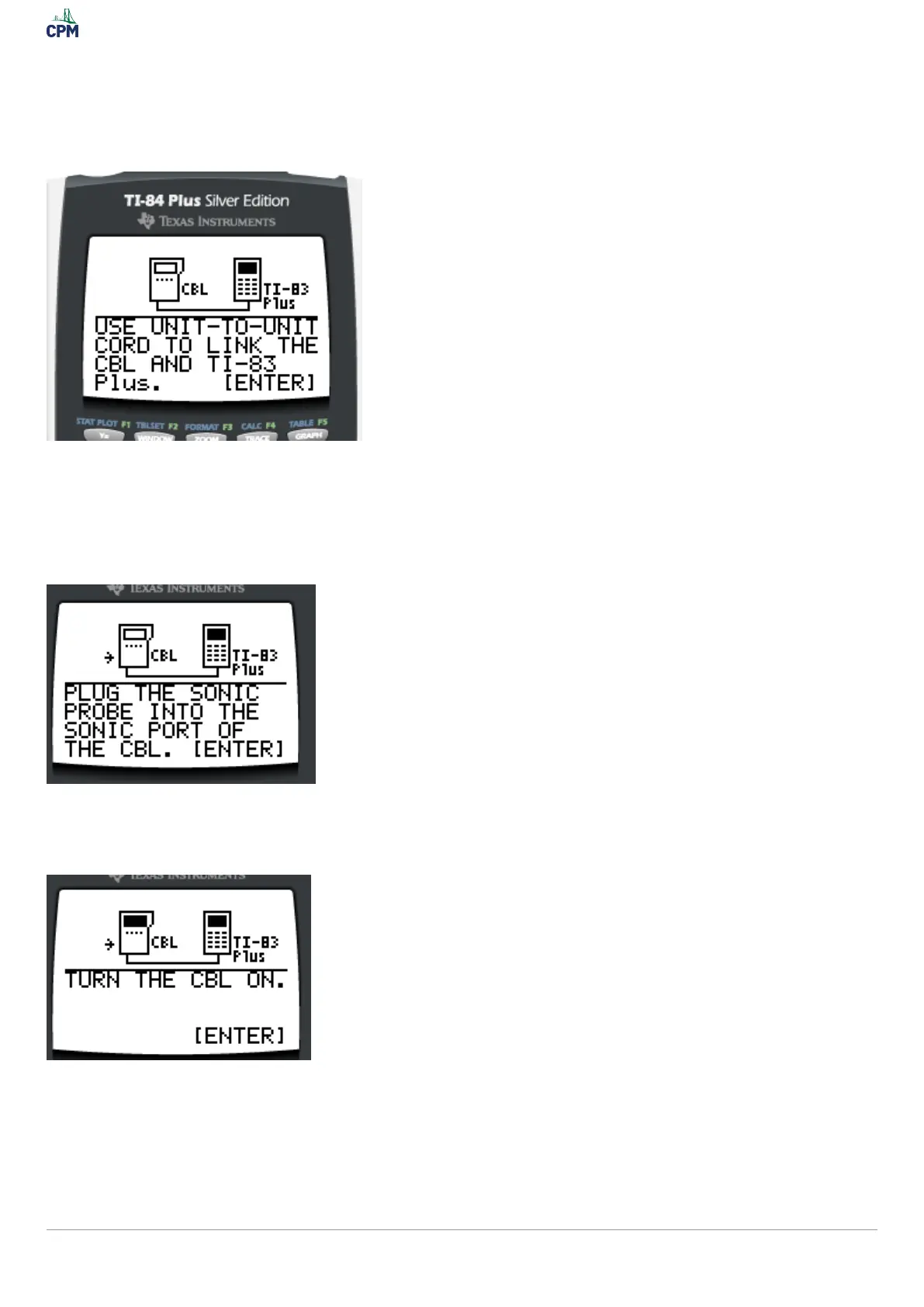
6. Be sure you have your link cords to connect the CBL to the Graphing
calculator.
The plug is on top for the Ti-84.
7. Find the "Sonic" plug on the side of the CBL. Plug in the motion detector.
8. Turn the CBL on.
Data should start collecting. You can hear tick tick sounds. The data is stored in the lists under TDist and
Dist for x and y. Check out Managing Data Collected From Using a CBL/CBR and Graphing Calculator to
work with the data generated.
Page 4TI-84: Data Logger with CBL/motion Detector or CBR


 To Next Page